example
→

example
→
example
→
example
→
example
→
example
→
example
→
example
→
example
→
example
→
example
→
example
→
example
→
example
→
Idea to design
10x faster.
Design, experiment, and prototype with rich context.
Mowgli is an AI design canvas for mobile, web and desktop apps.
Integrates with
One canvas.
Every screen.
Mowgli holds your whole product in one place: flows, journeys, and designs.
It's spec-driven, so it maintains deep product context.
Here's how it works.
Start from scratch or an existing product
Describe your idea and work through a scoping & understanding questionnaire, or bring in what you already have - drop in a Figma file, or connect your coding agent to push your existing product straight into Mowgli. Either way, Mowgli visualizes your designs and builds a spec in the background.
The moodboard
Starting from scratch? Before the full design build, explore 16+ tailored designs for your app. Remix, mix and match, and upload your own references to build custom themes. Ideate, refine, and pick your favourites to preview on the canvas.
See designs for every state and flow
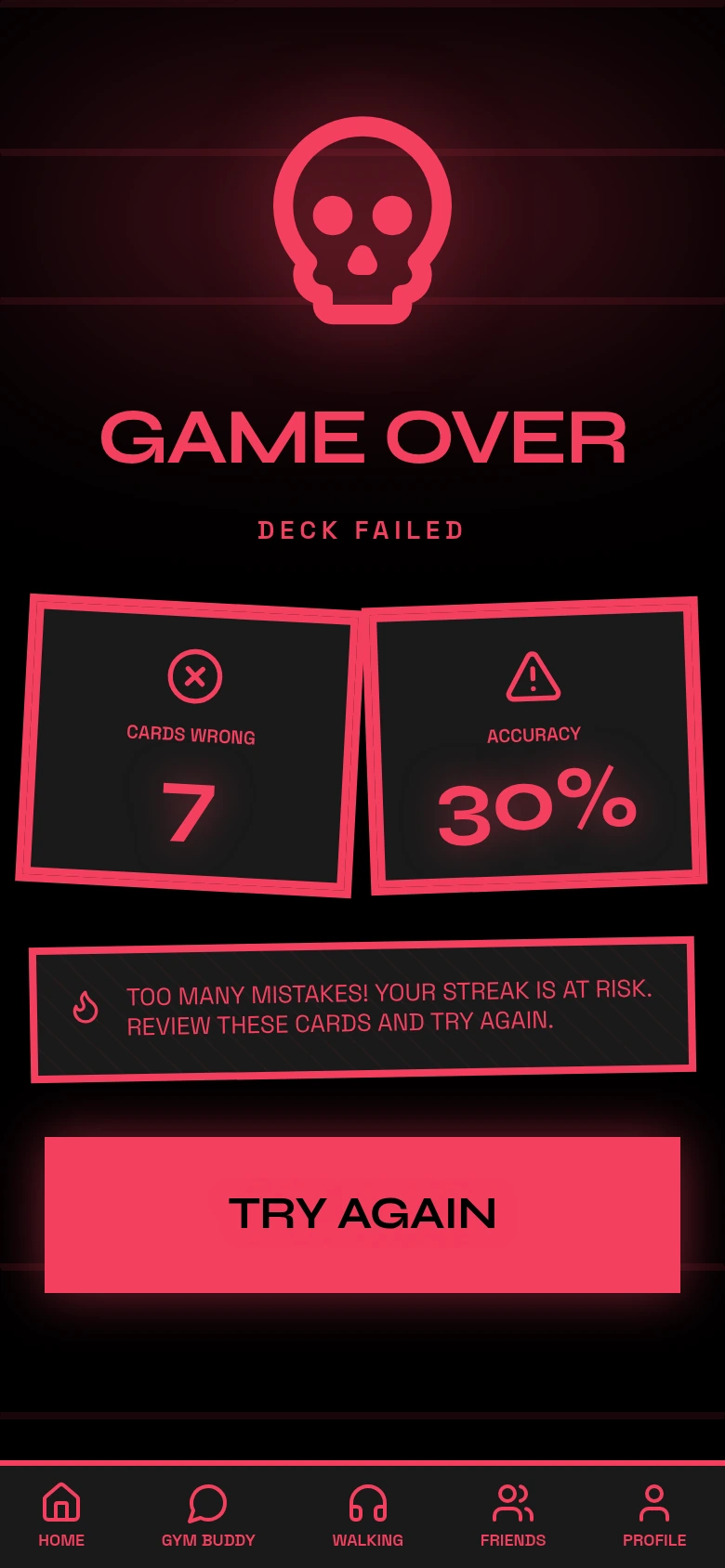
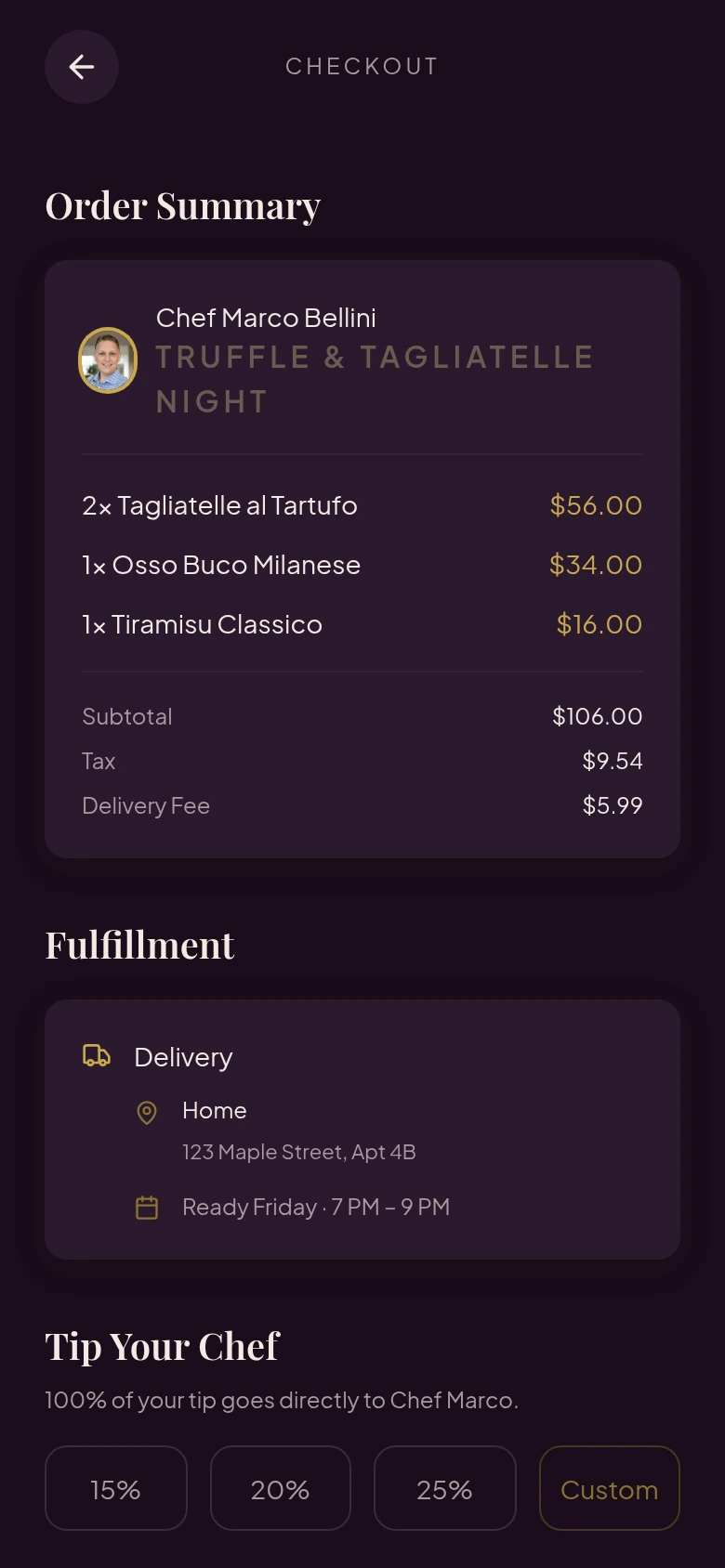
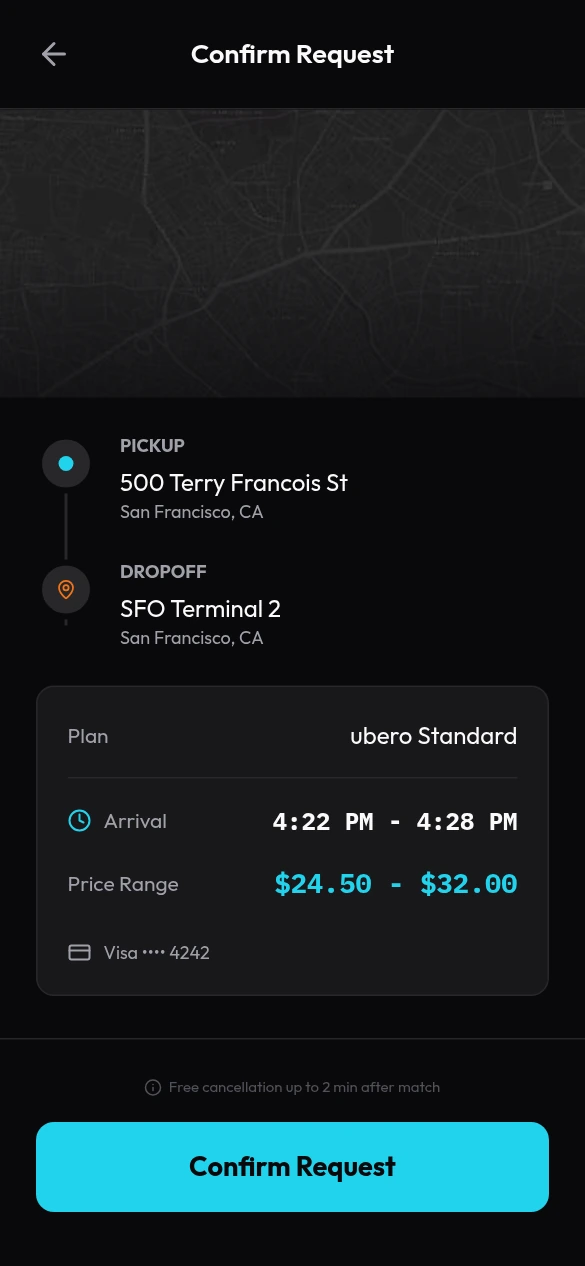
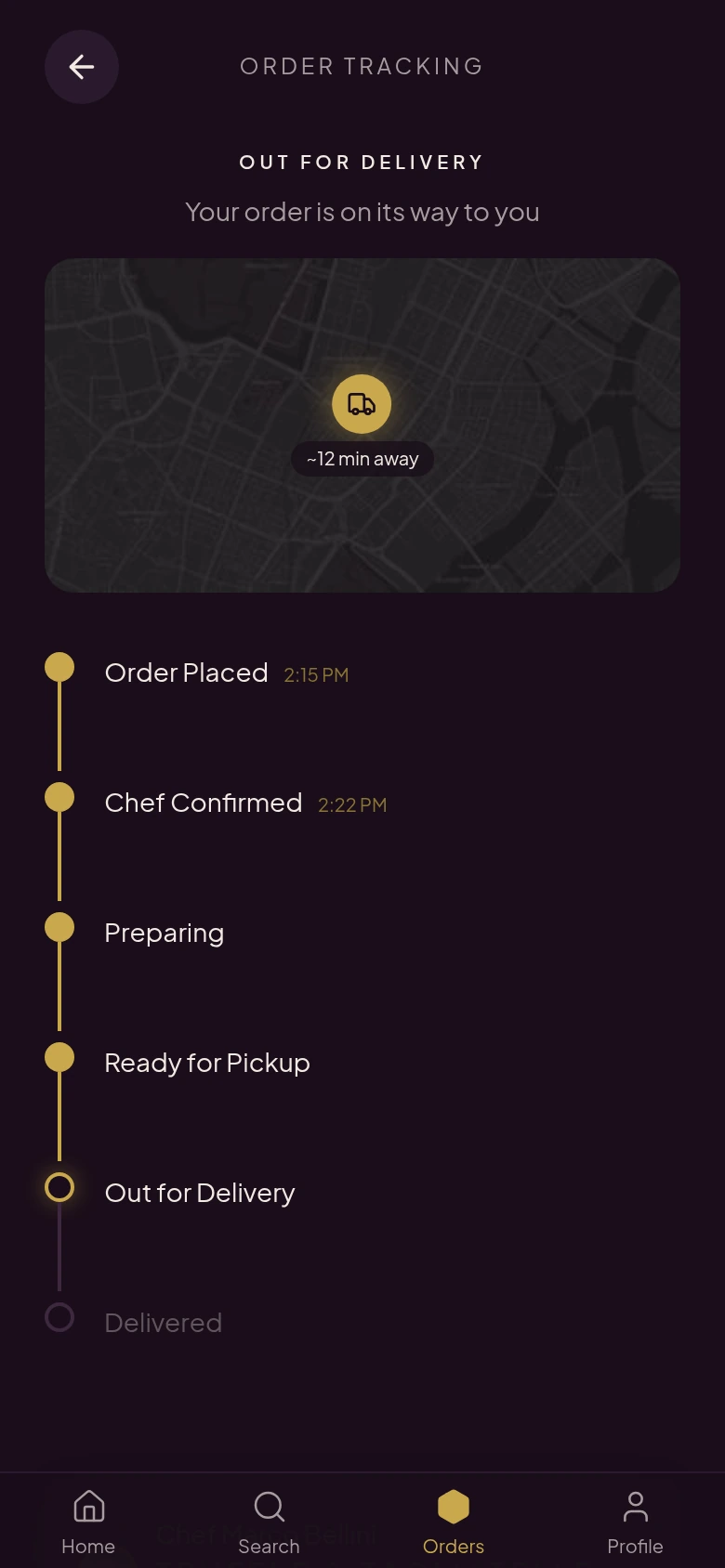
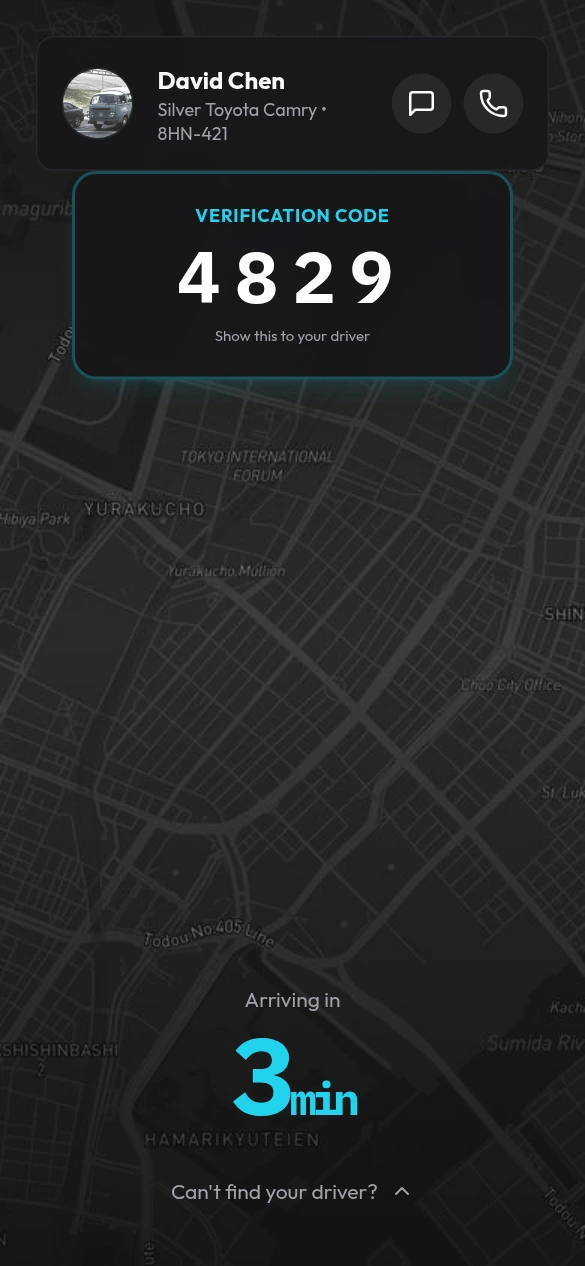
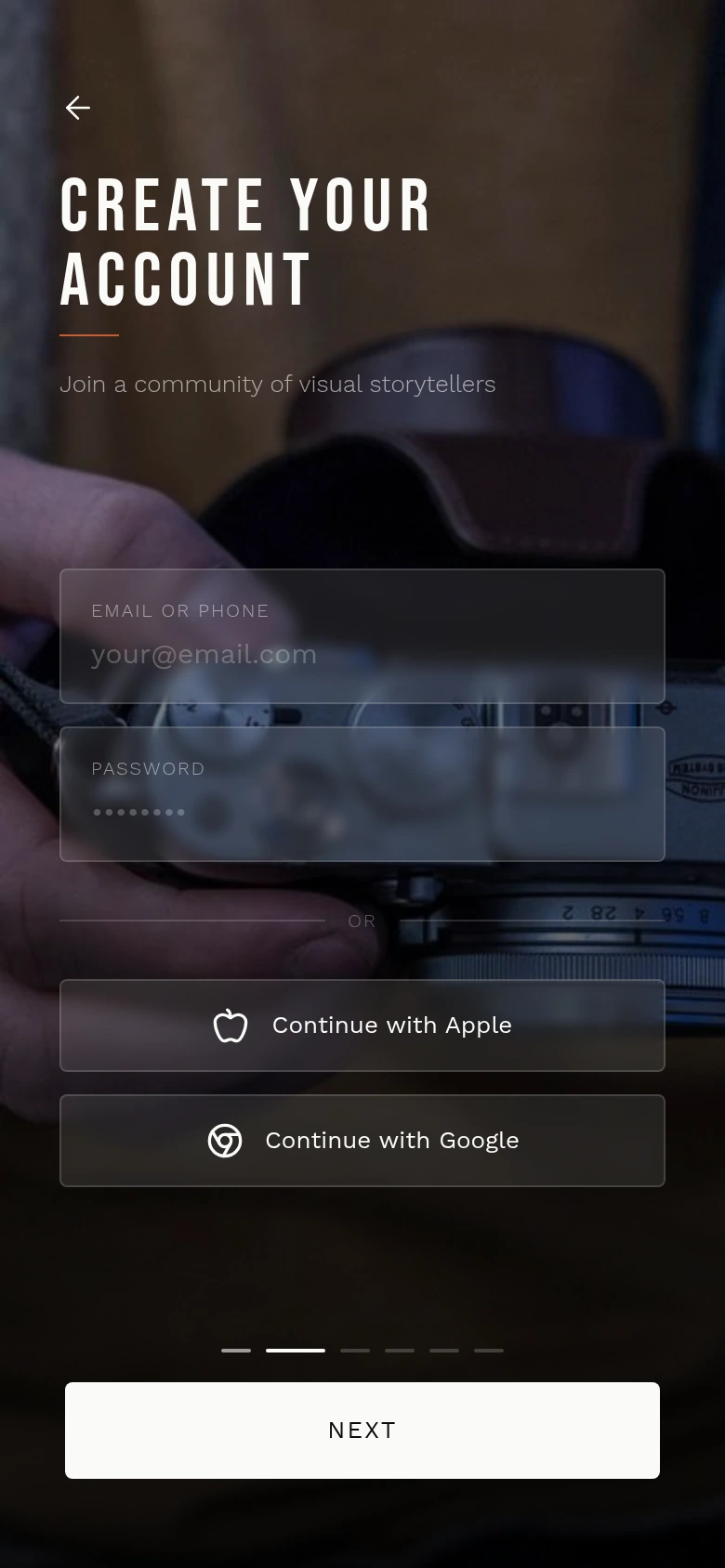
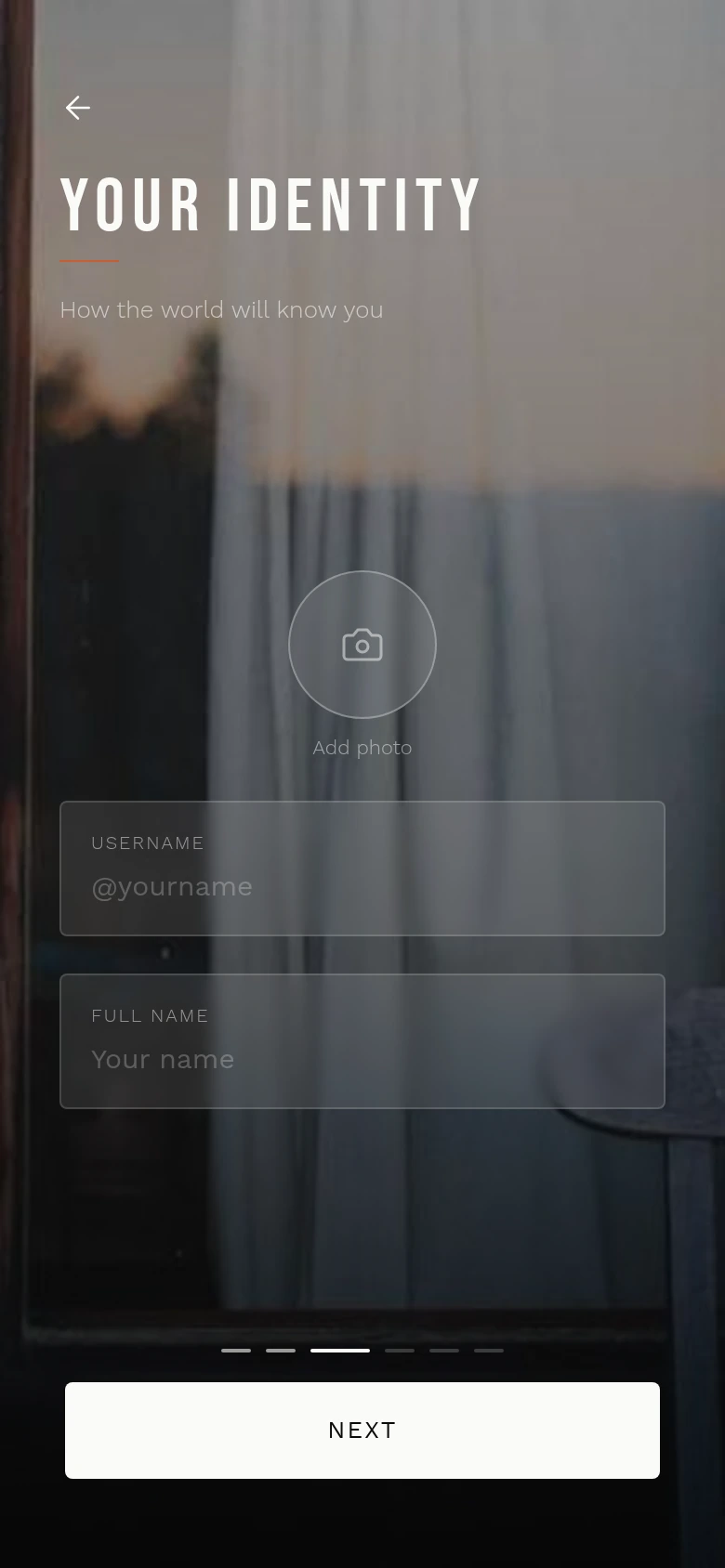
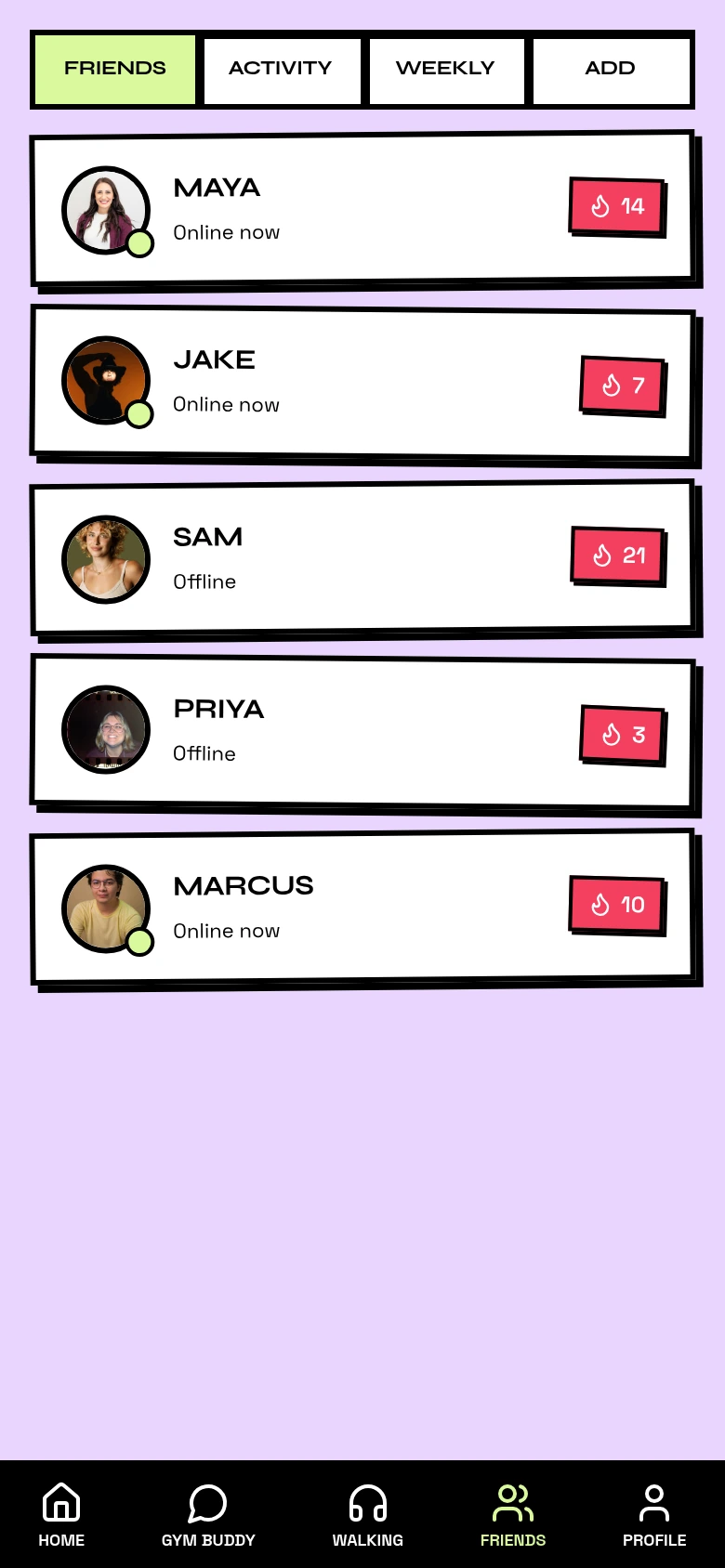
Whether you started from scratch or imported an existing product, Mowgli maps out your whole product (mobile, web, or desktop), gives you ideas, and then creates high-fidelity designs for every screen - not just the happy path.
Iterate at lightning speed
Our chat is built for speed - surgical tweaks, new flows, and redesigns in seconds. The spec is always kept in sync. For teams, Mowgli has built-in real-time collaboration and sharing.
Handoff to AI agents, Figma, and more
Connect your coding agent - Claude Code, Codex, Cursor, or any MCP app - and it pulls designs straight into your codebase and keeps them in sync, both ways. Prefer a manual handoff? Push to Figma or download React + Tailwind code. Every export carries a detailed spec and precise styling.
Example projects
Datadog Lite
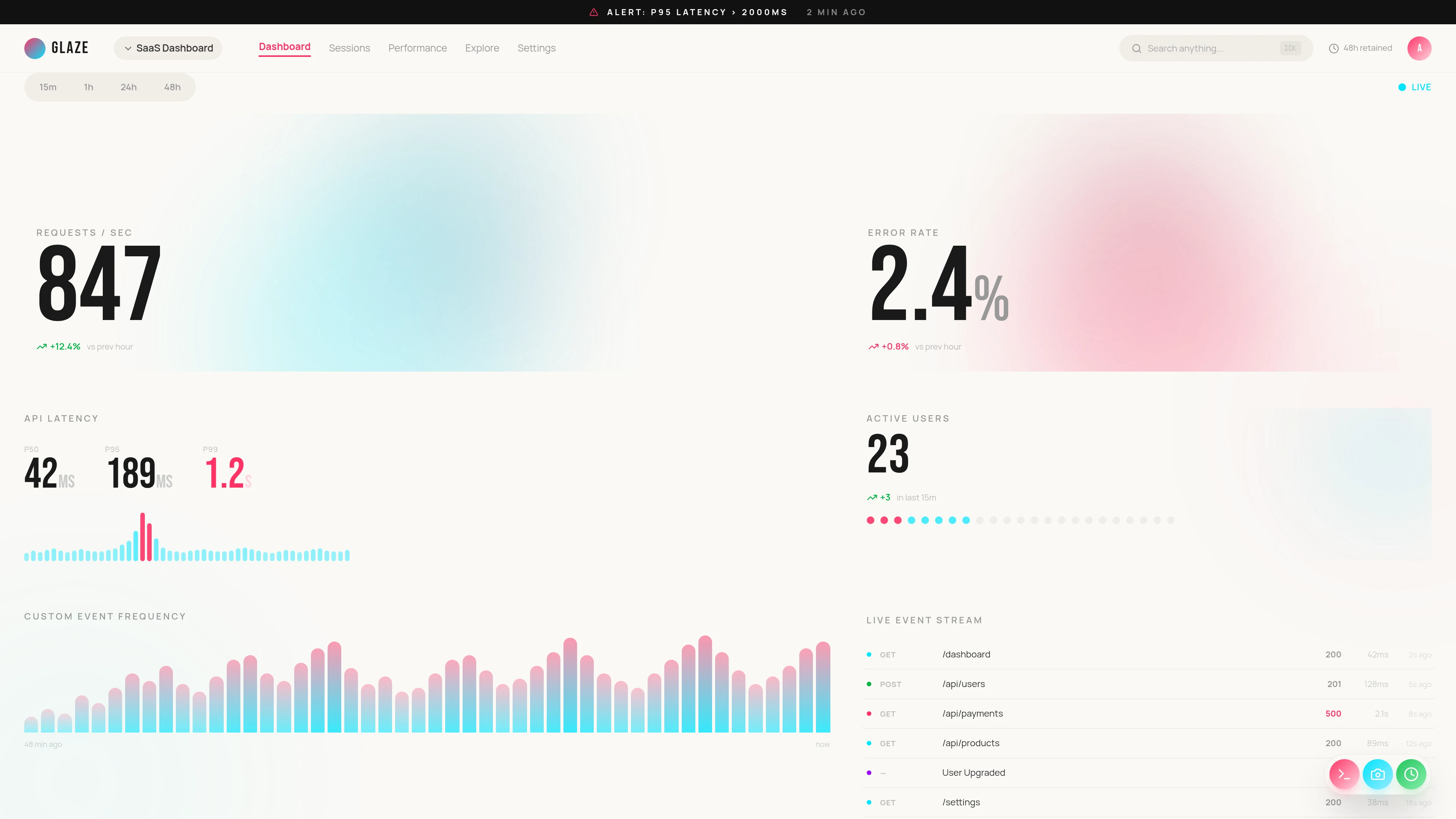
Metrics, traces, logs, alerting
Designed by
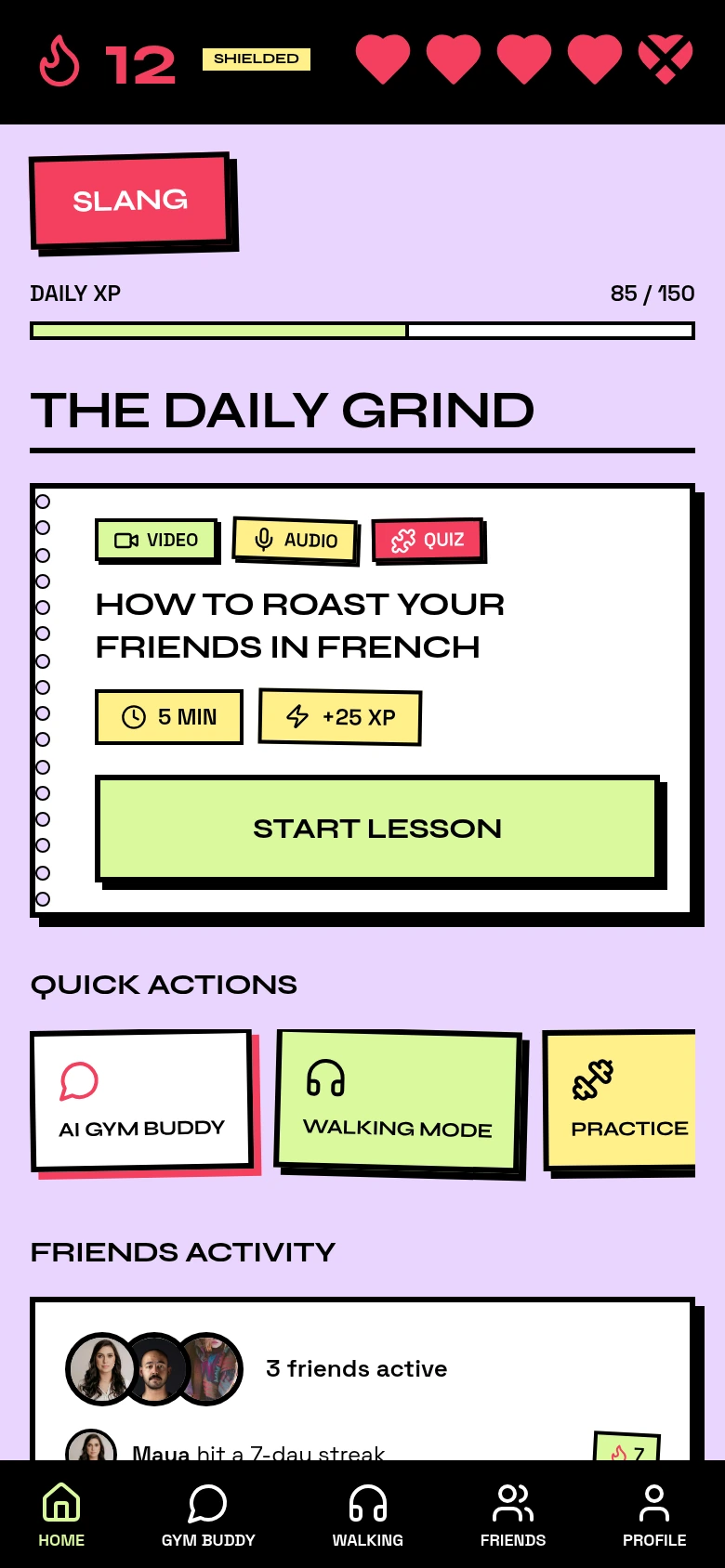
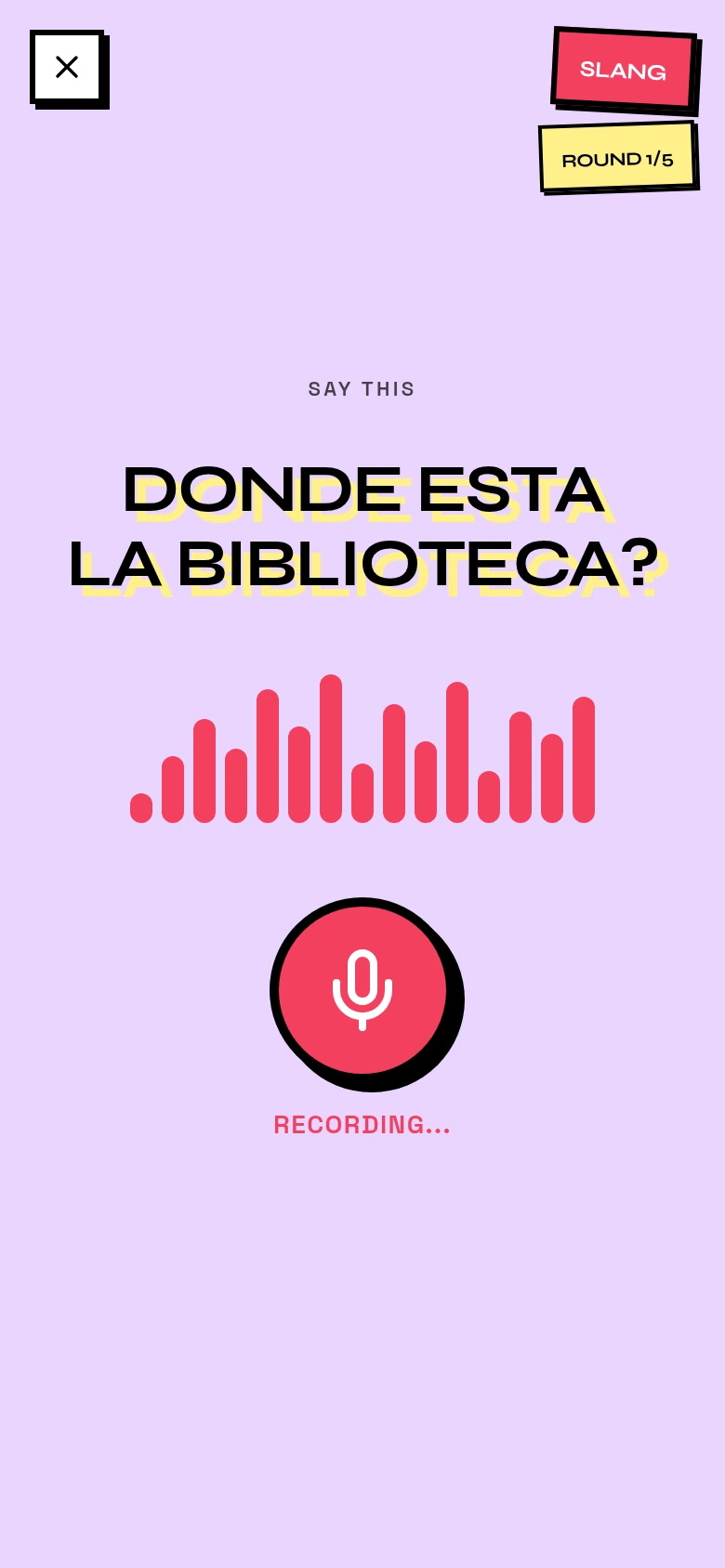
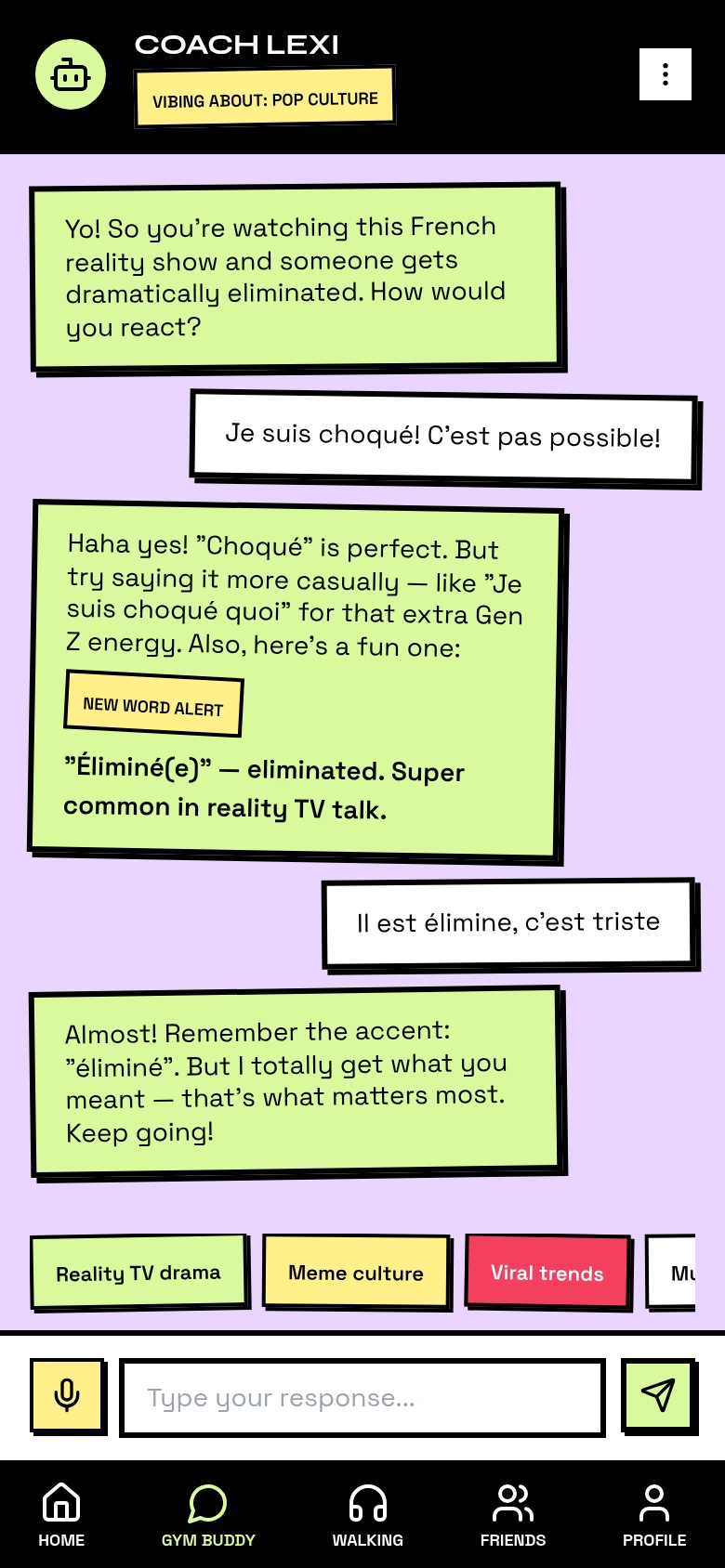
LangSmash
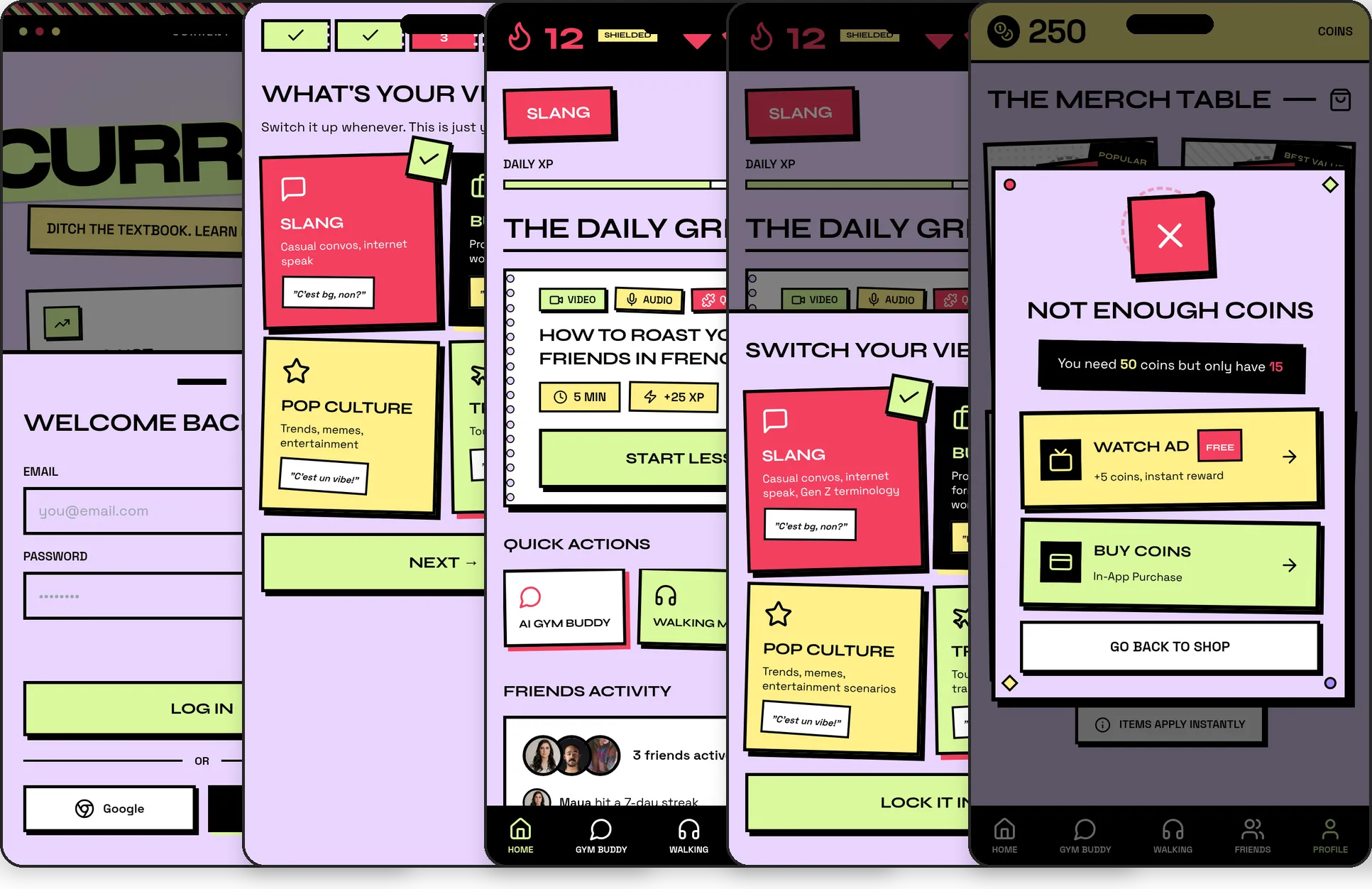
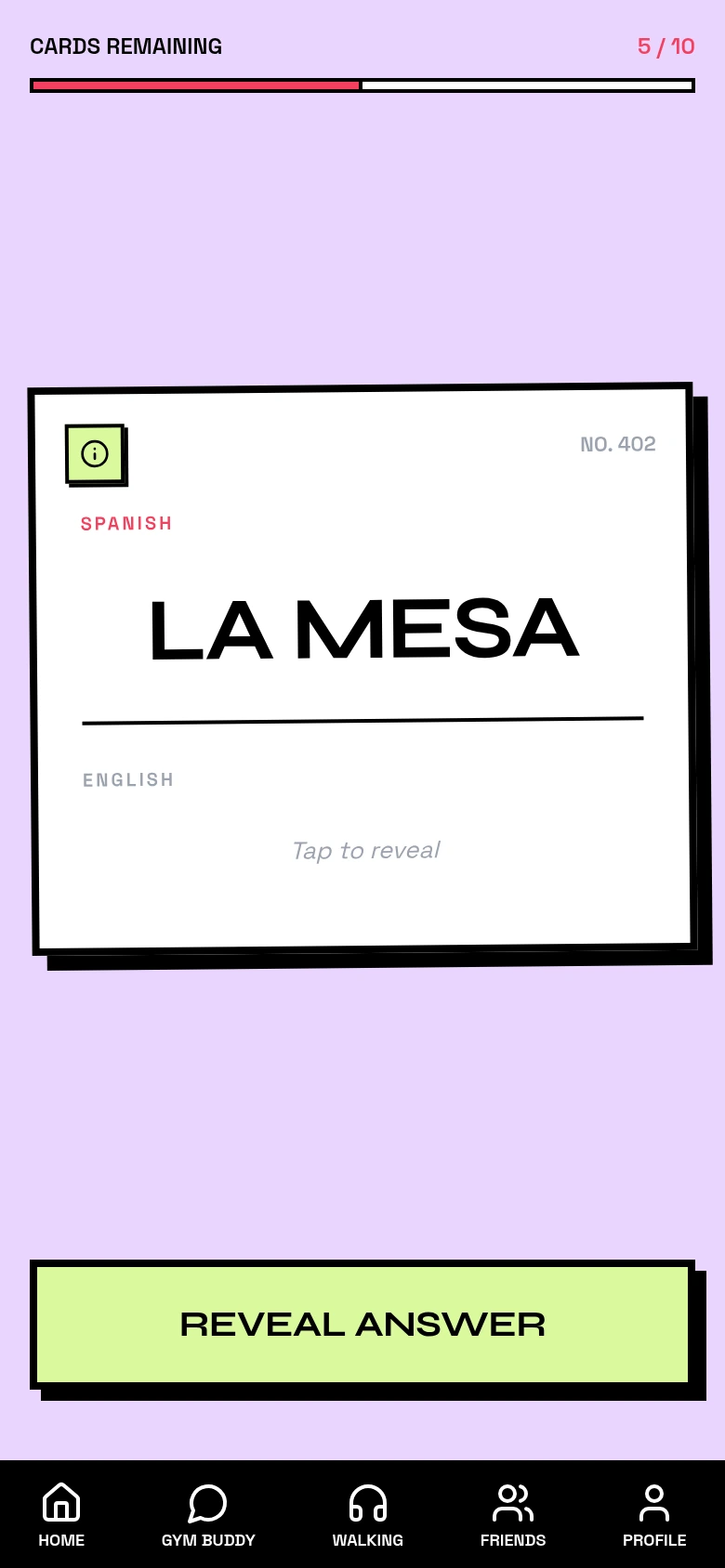
Lessons, progress tracking, vocab drills
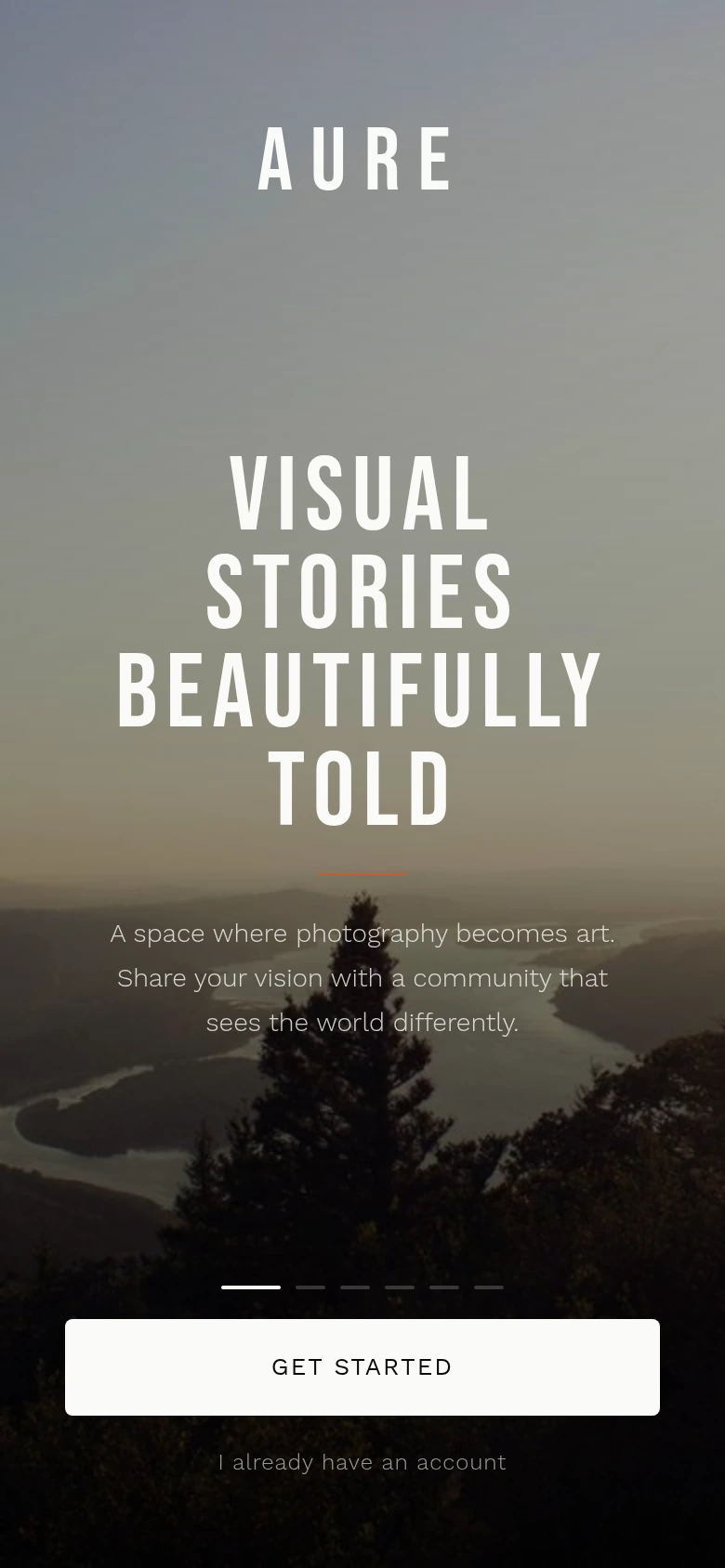
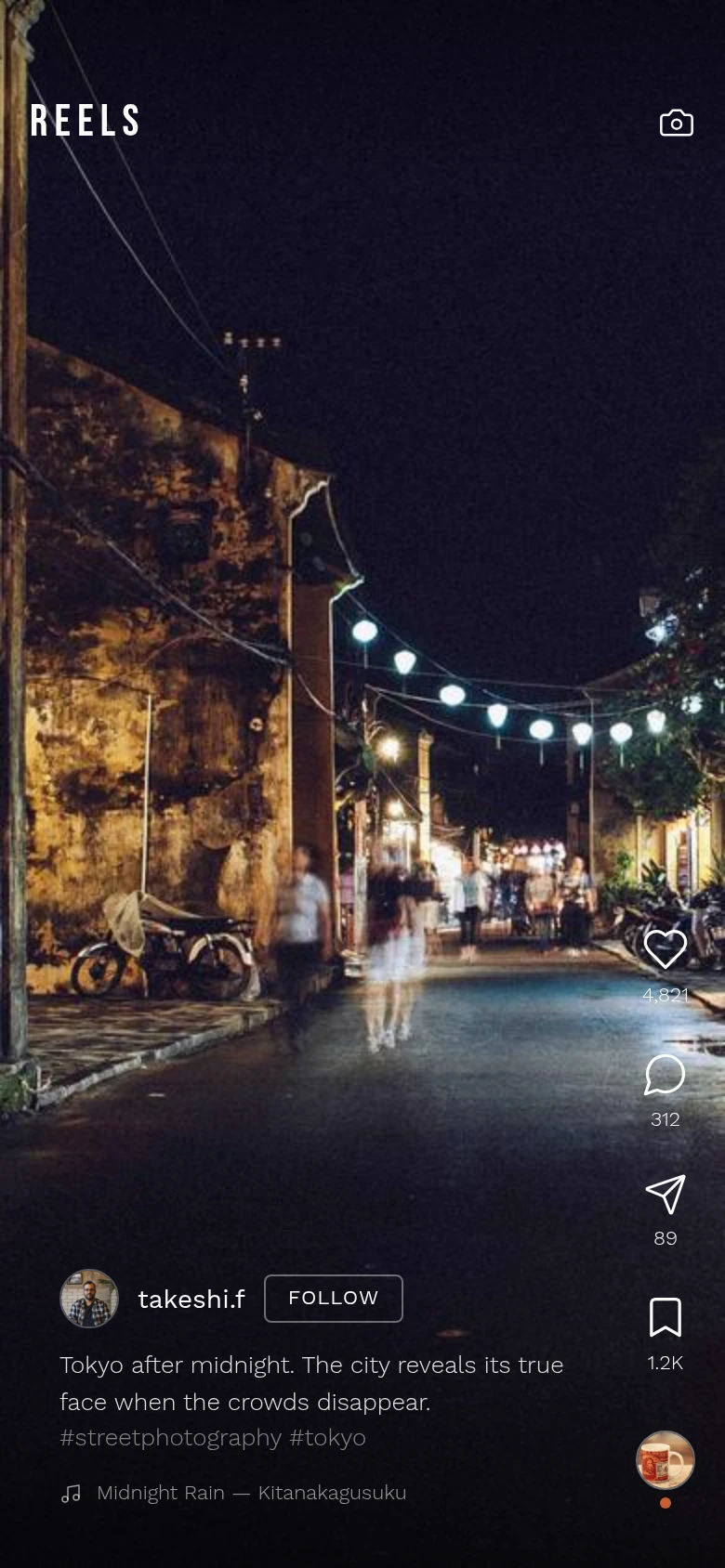
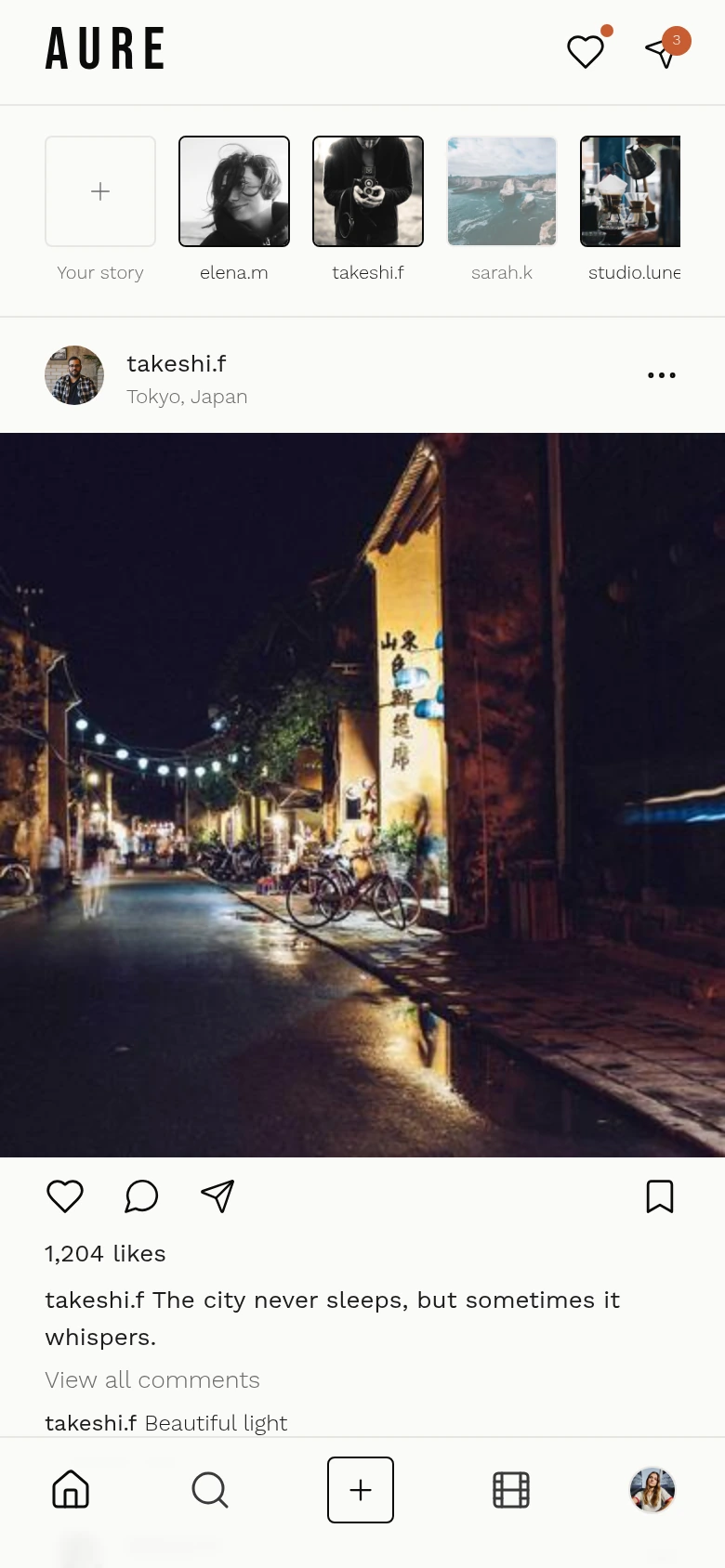
Designed bySocial Feed
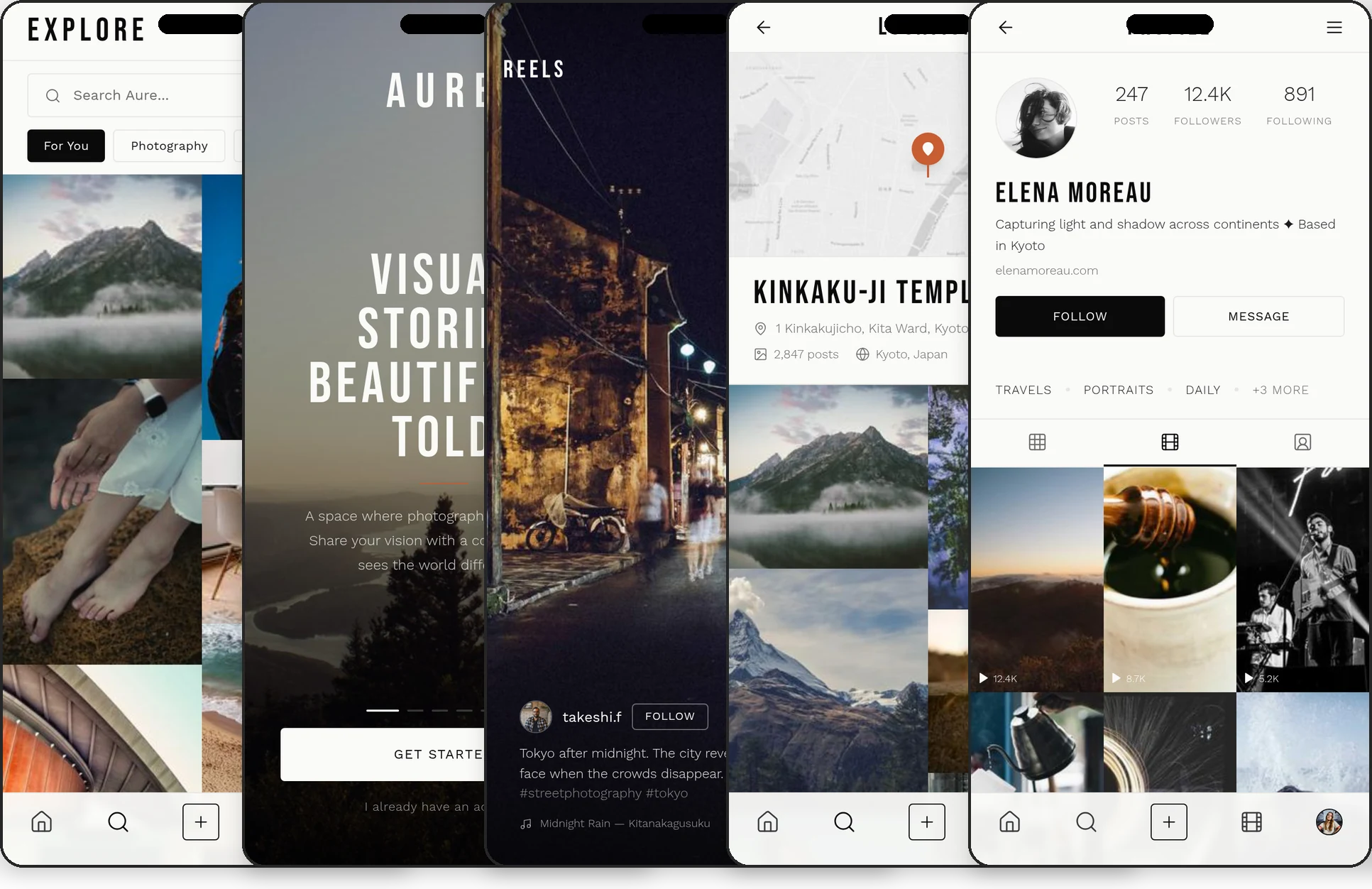
Posts, stories, reels, messaging
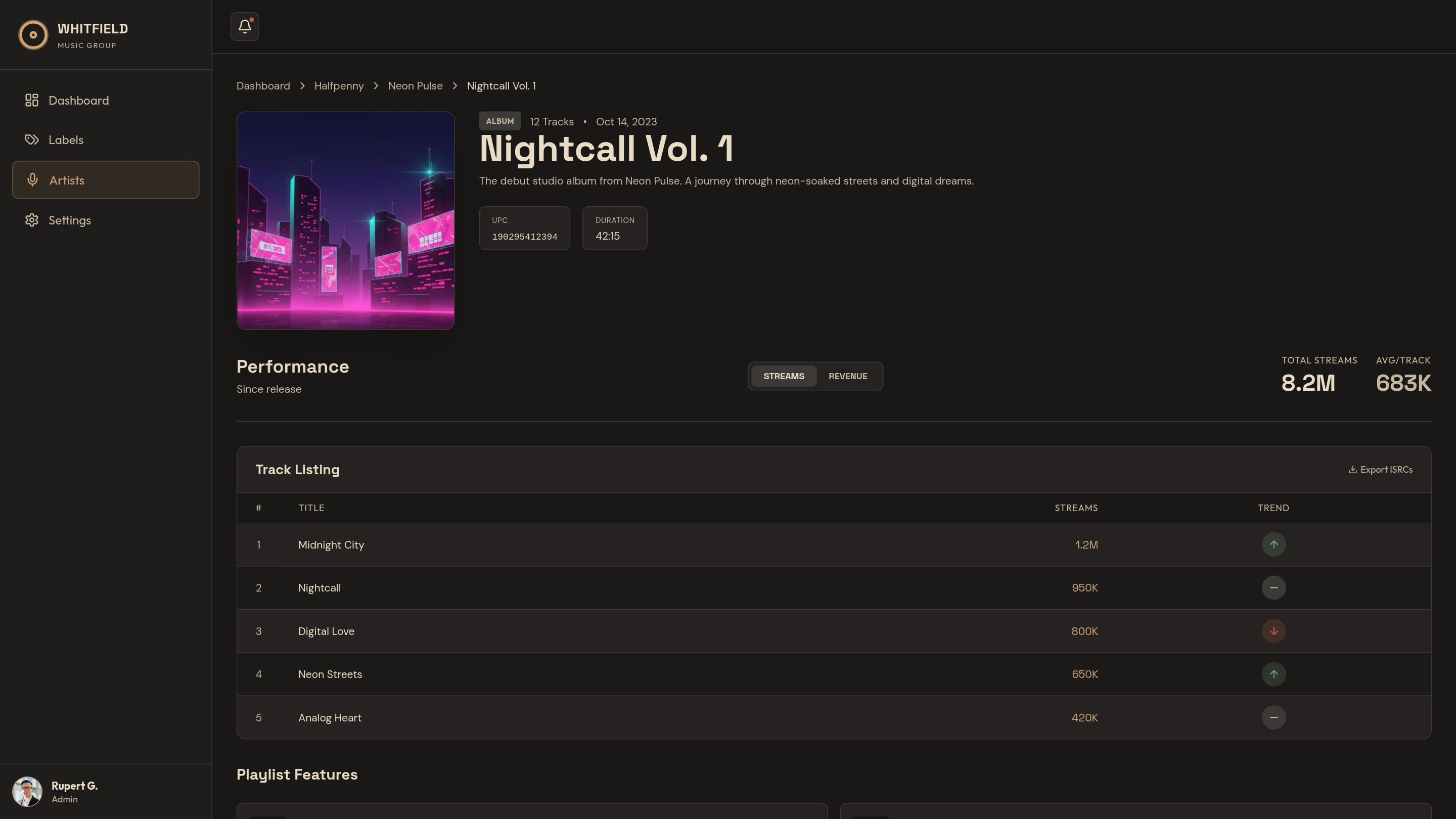
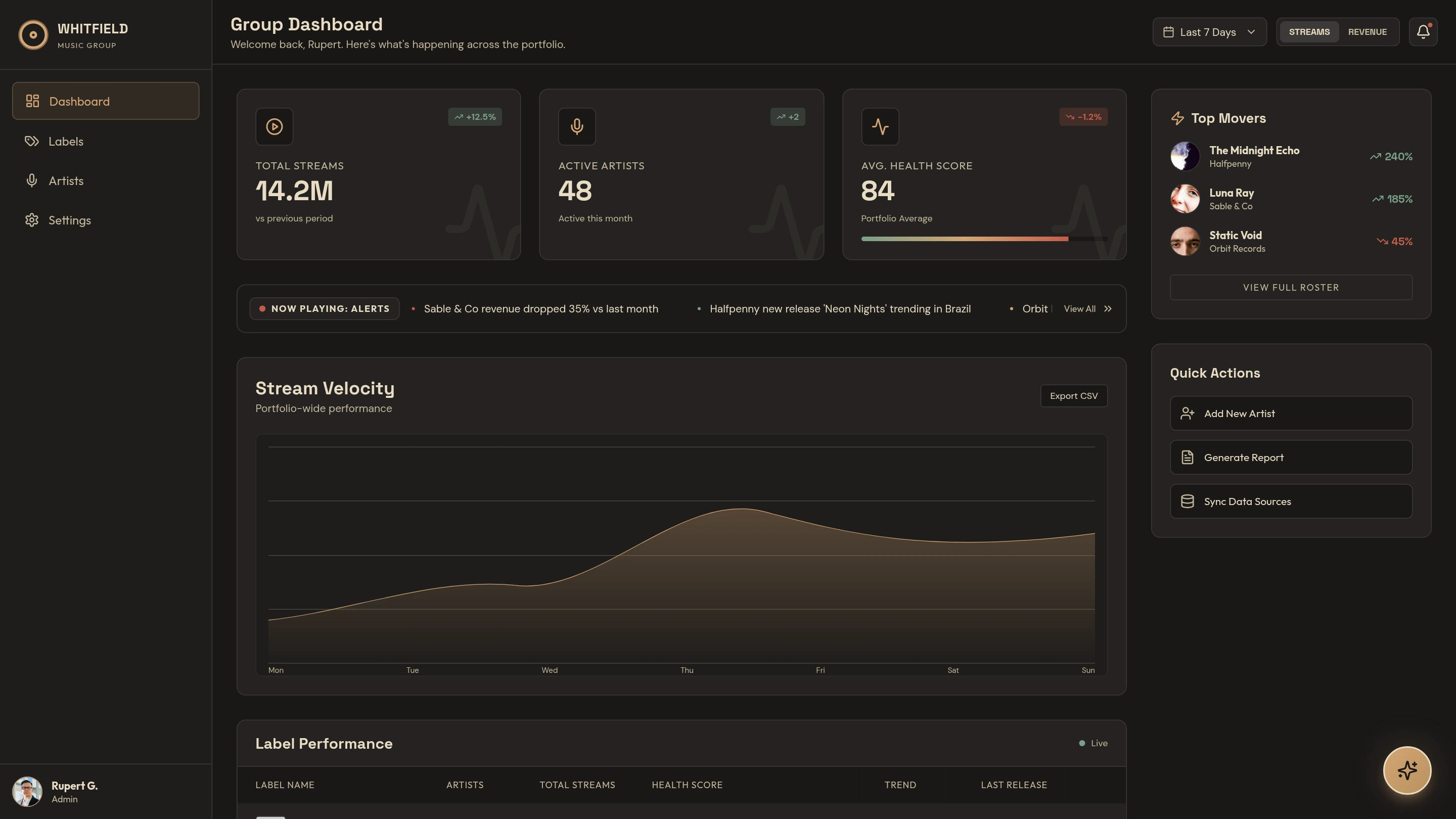
Designed byWhitfield Dashboard
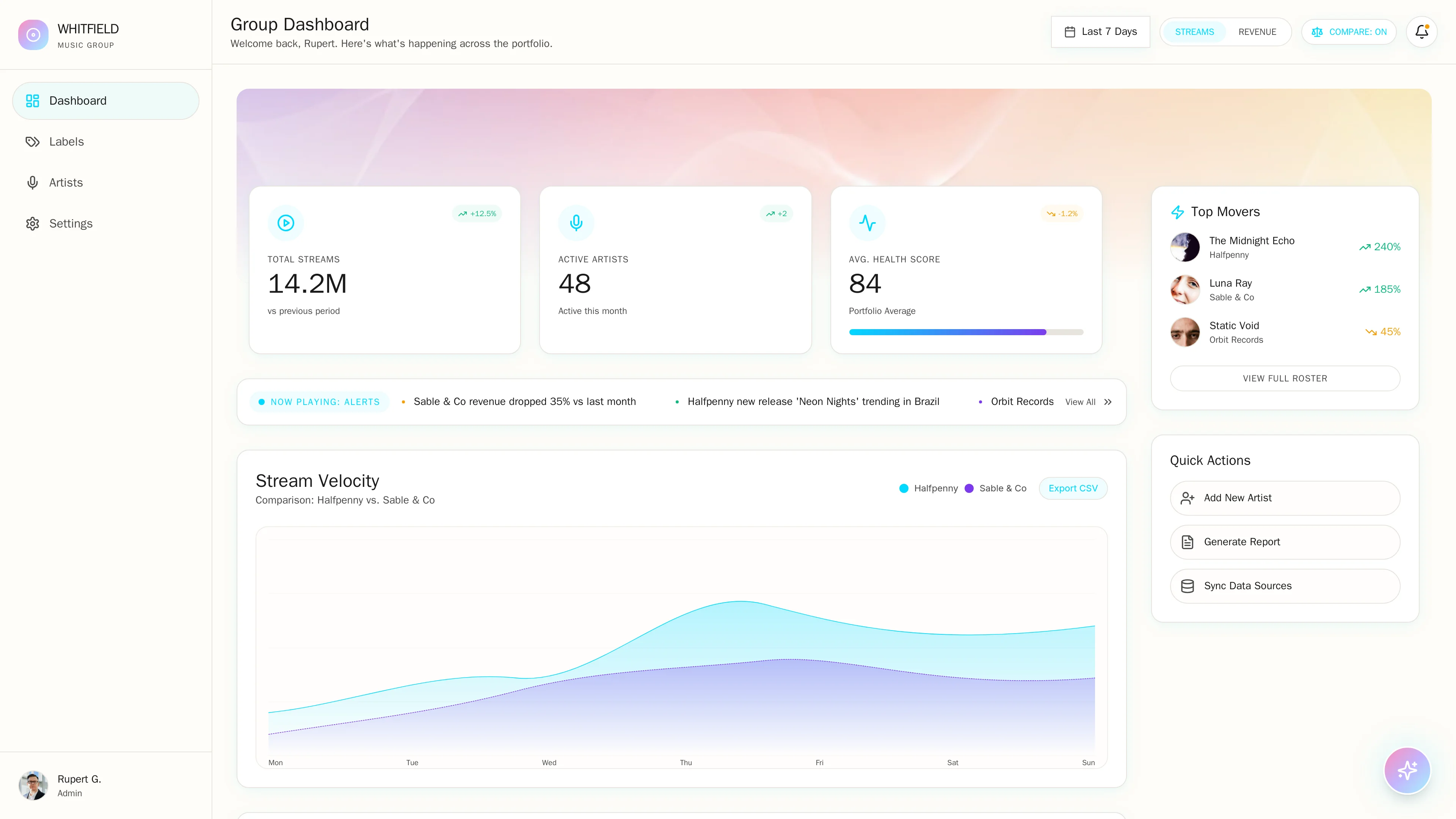
Artist analytics, streaming trends
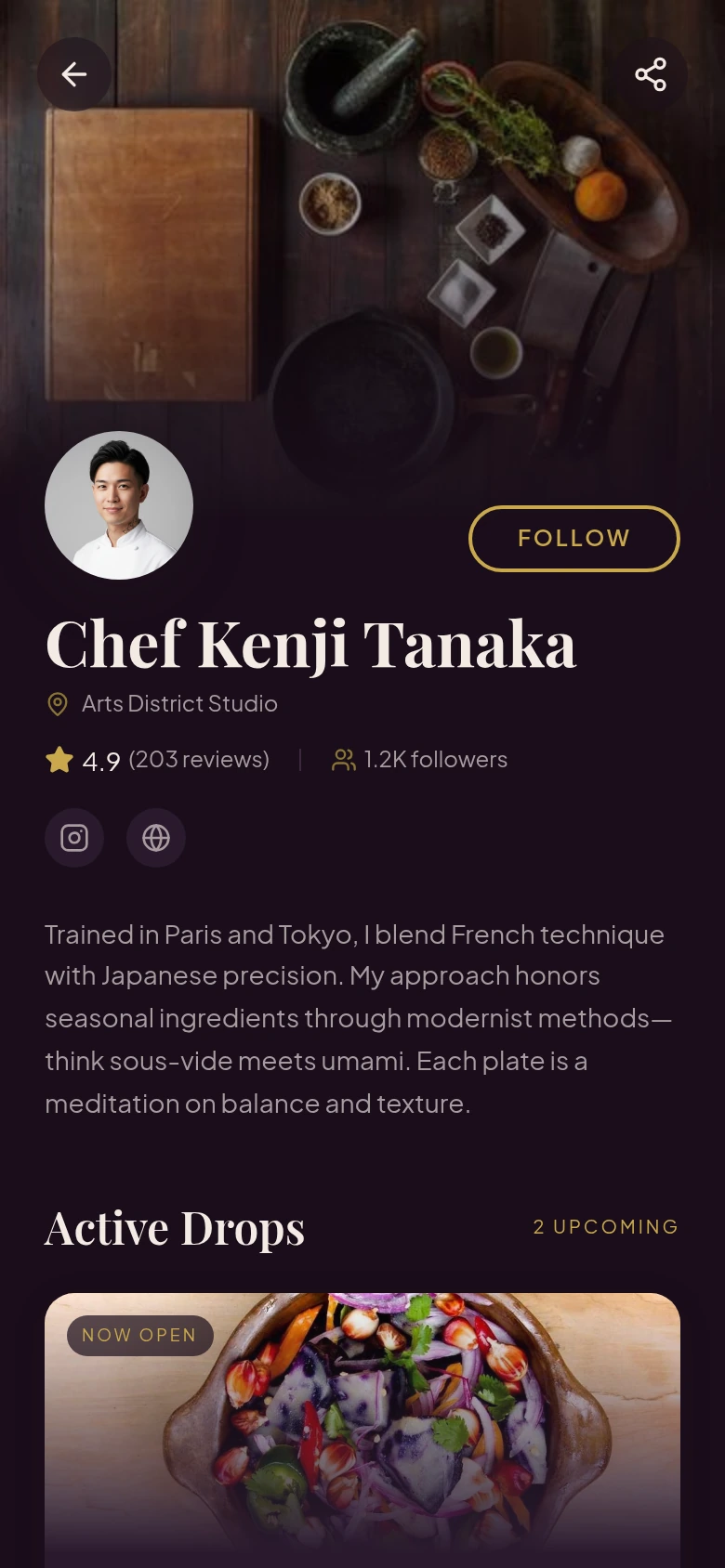
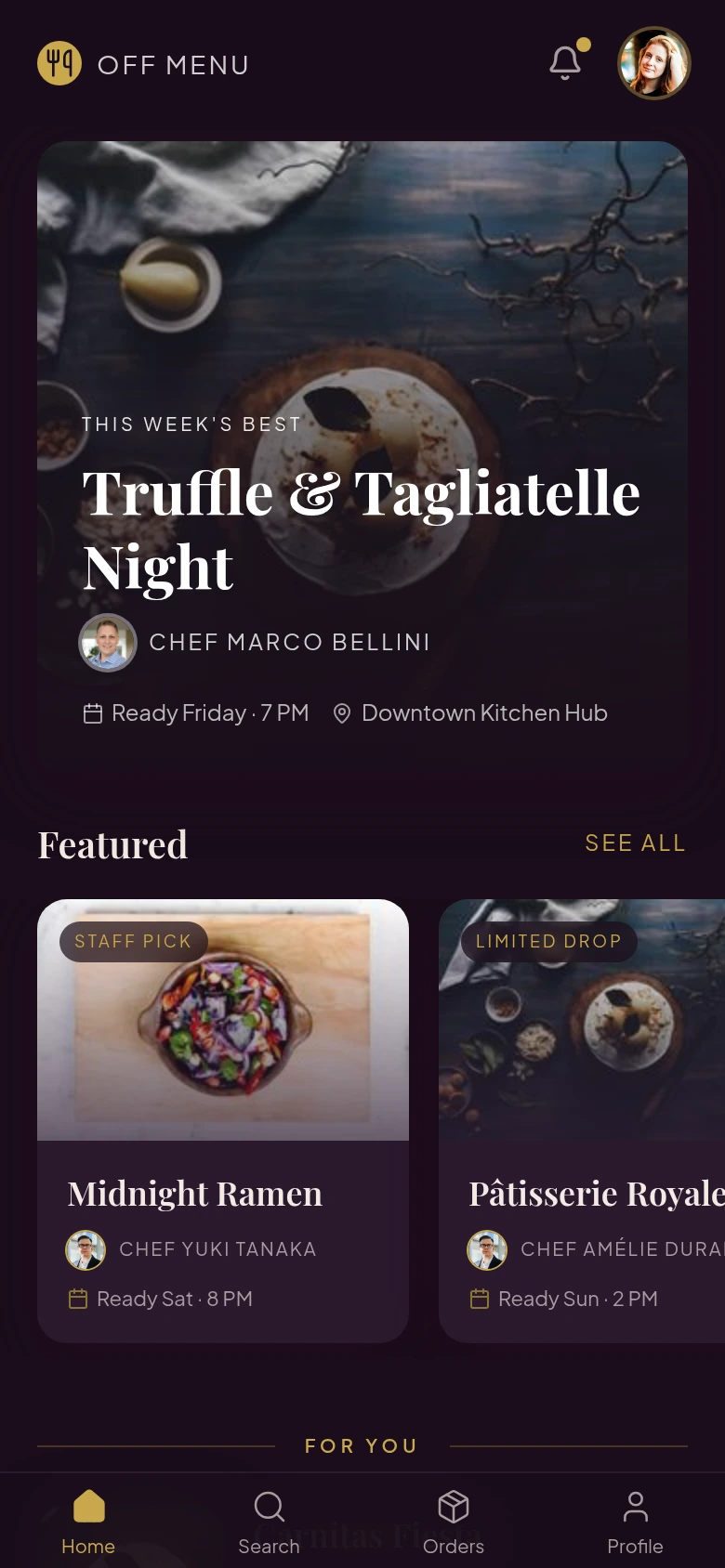
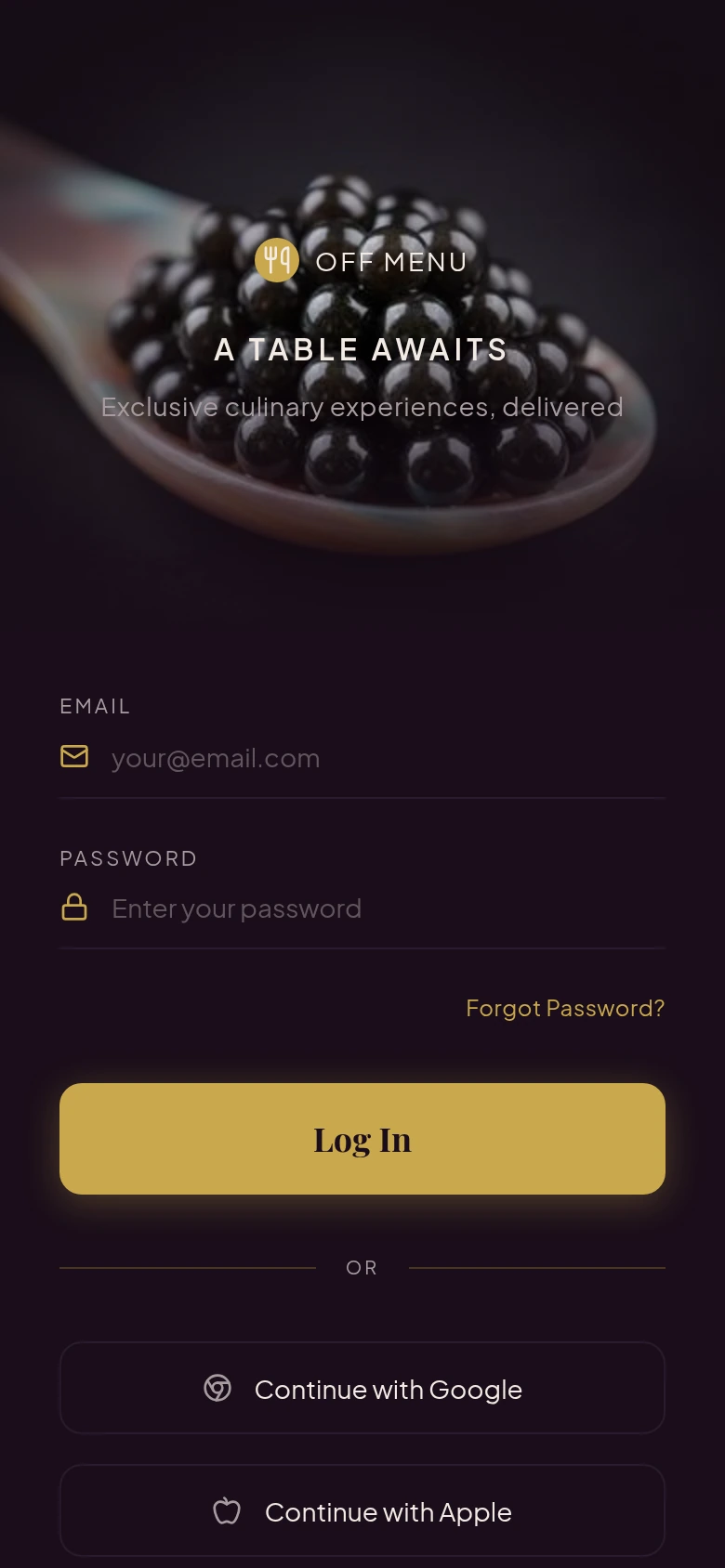
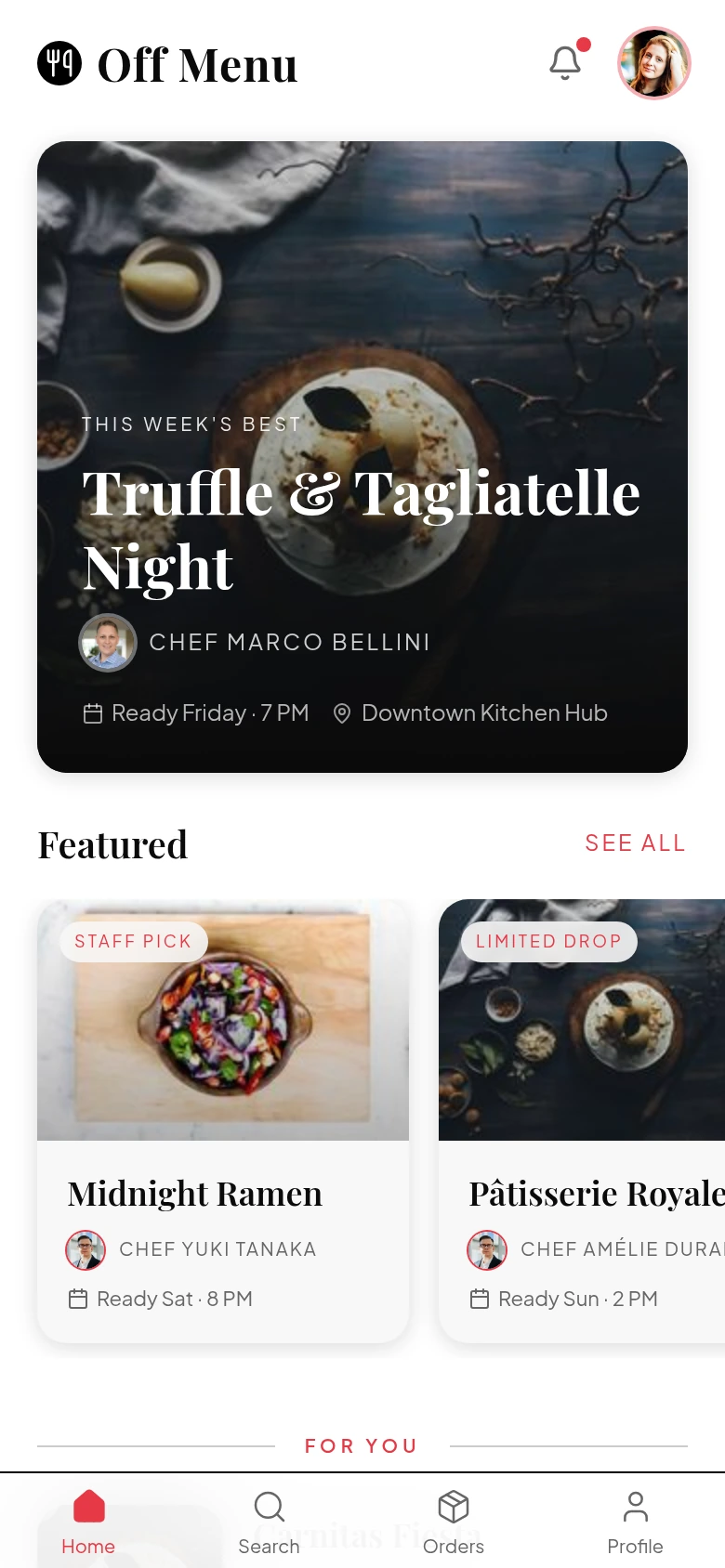
Designed byOff Menu
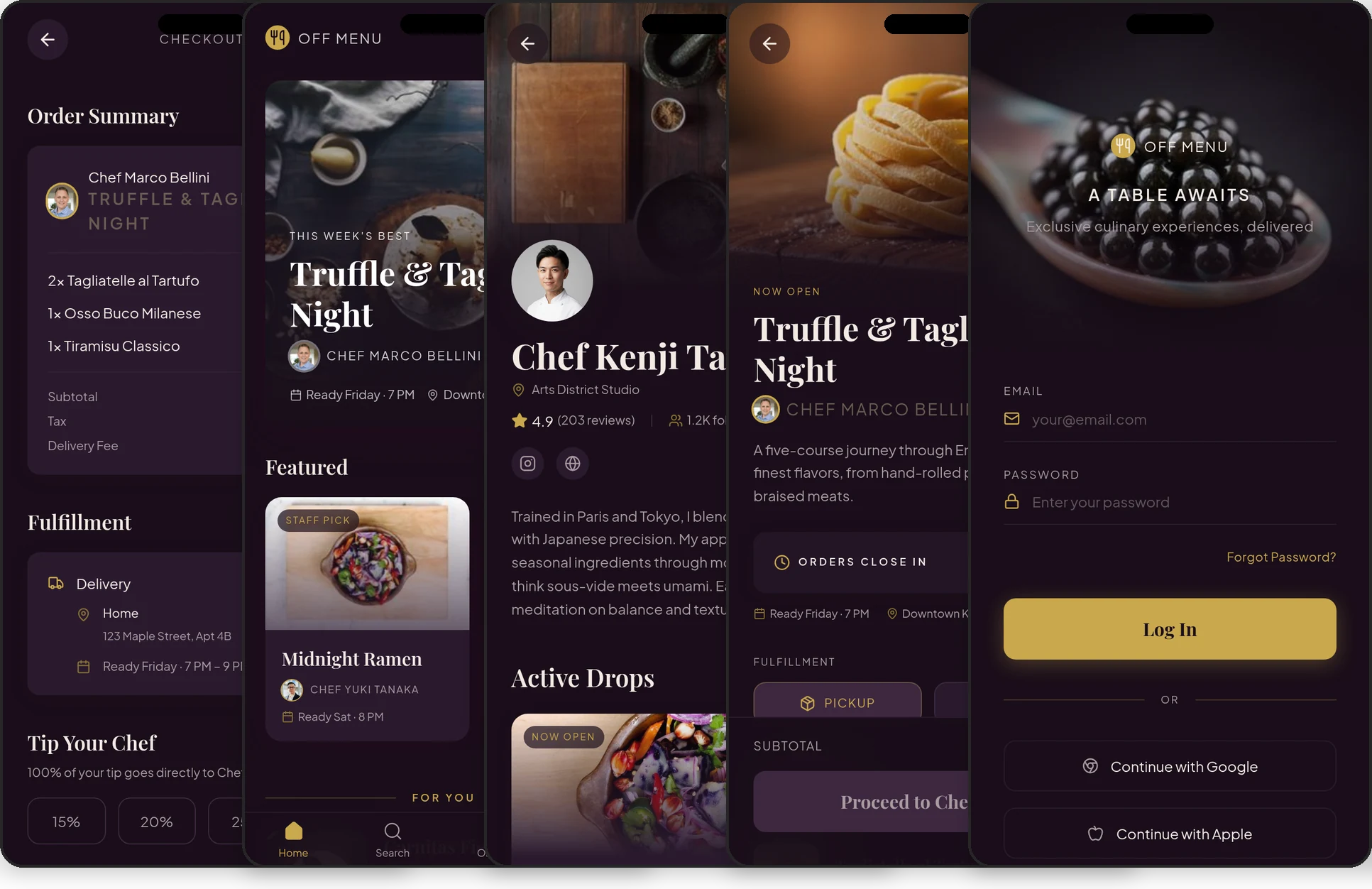
Chef drops, local pickup, order tracking
Designed byiOS UI Kit
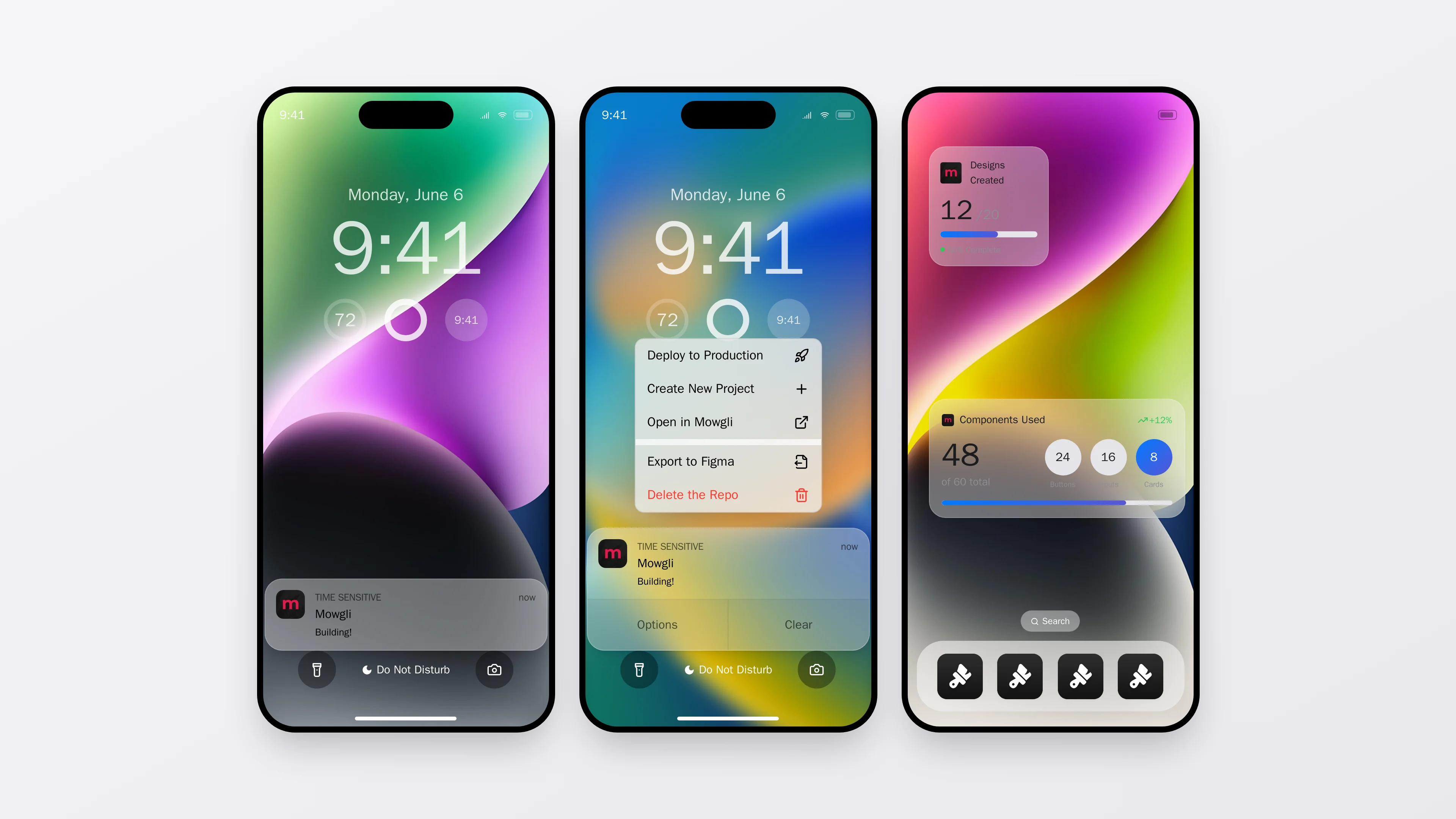
Pixel-perfect import, extended with custom widgets
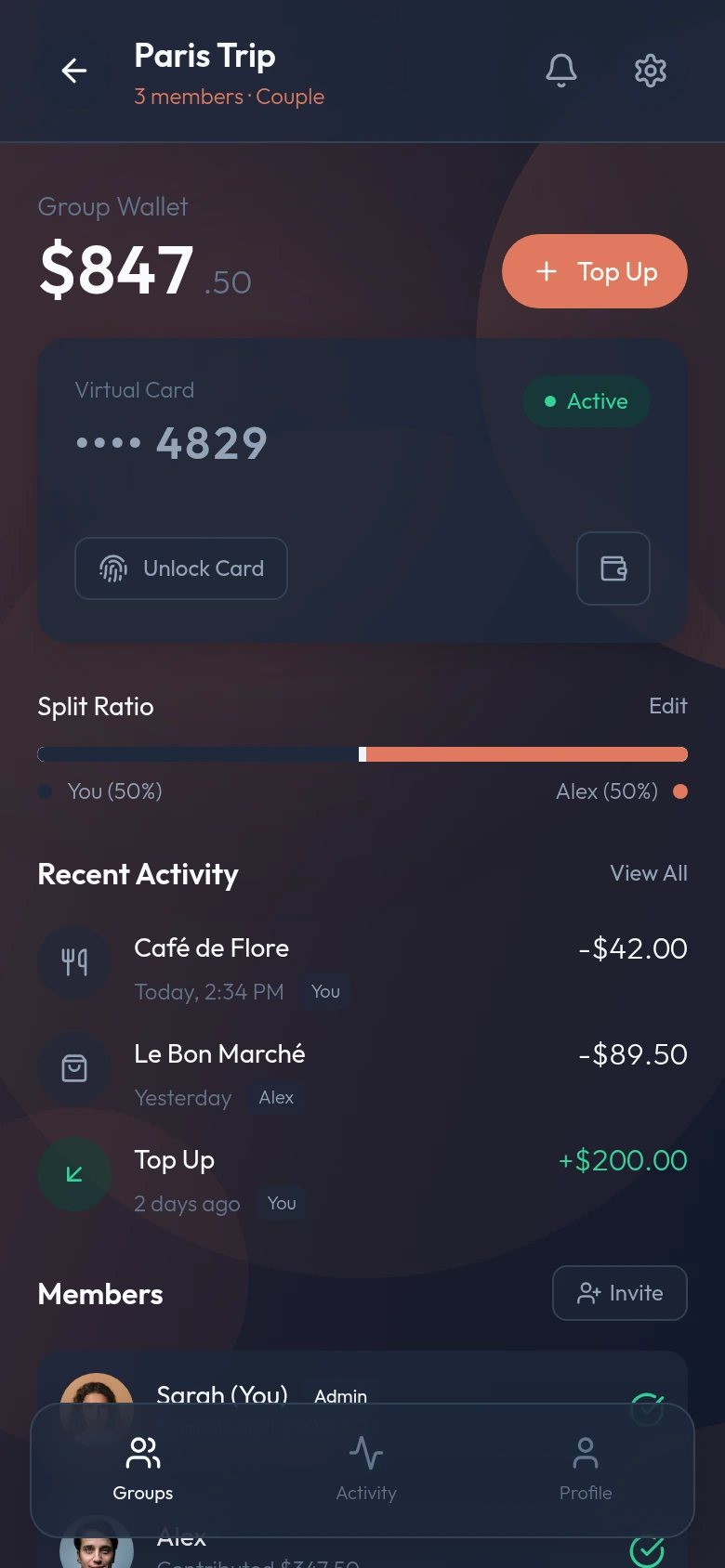
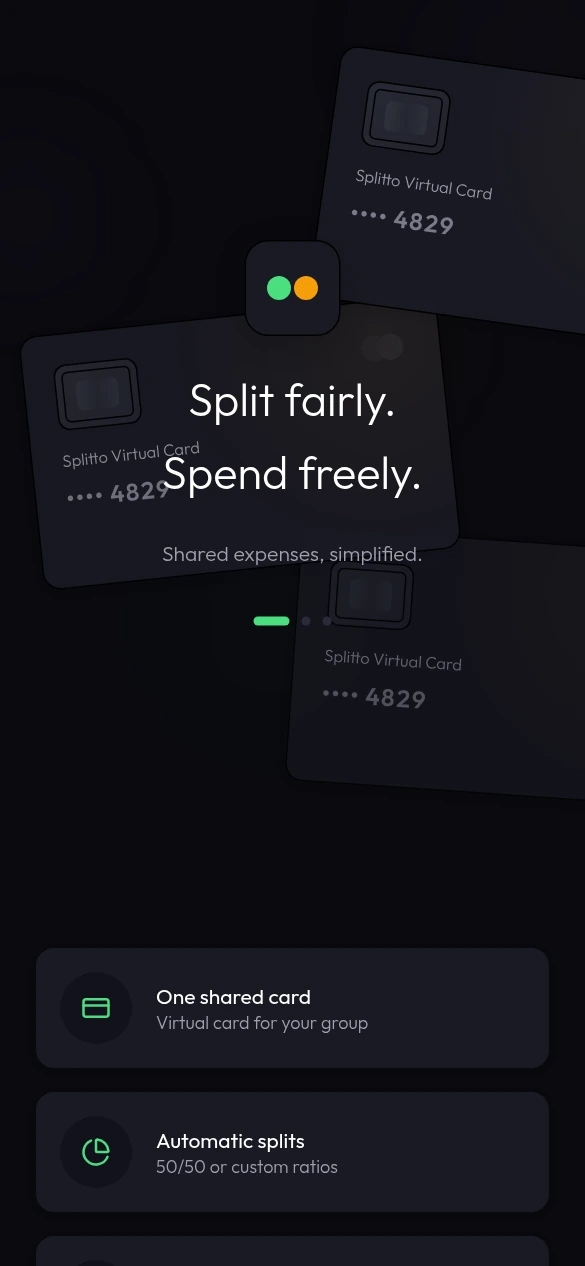
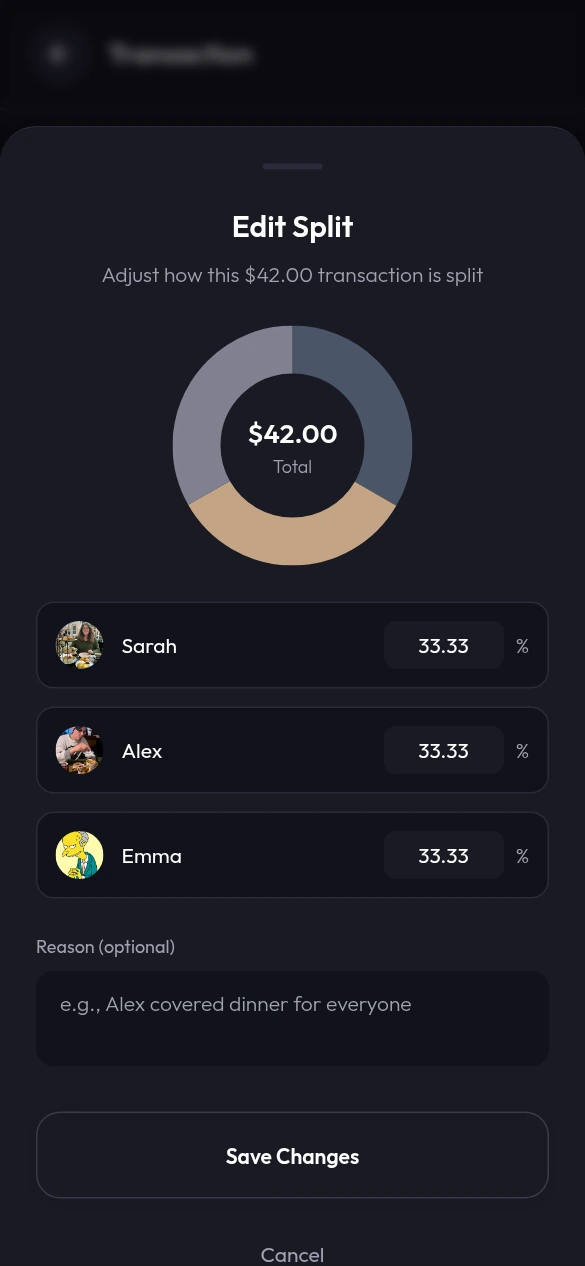
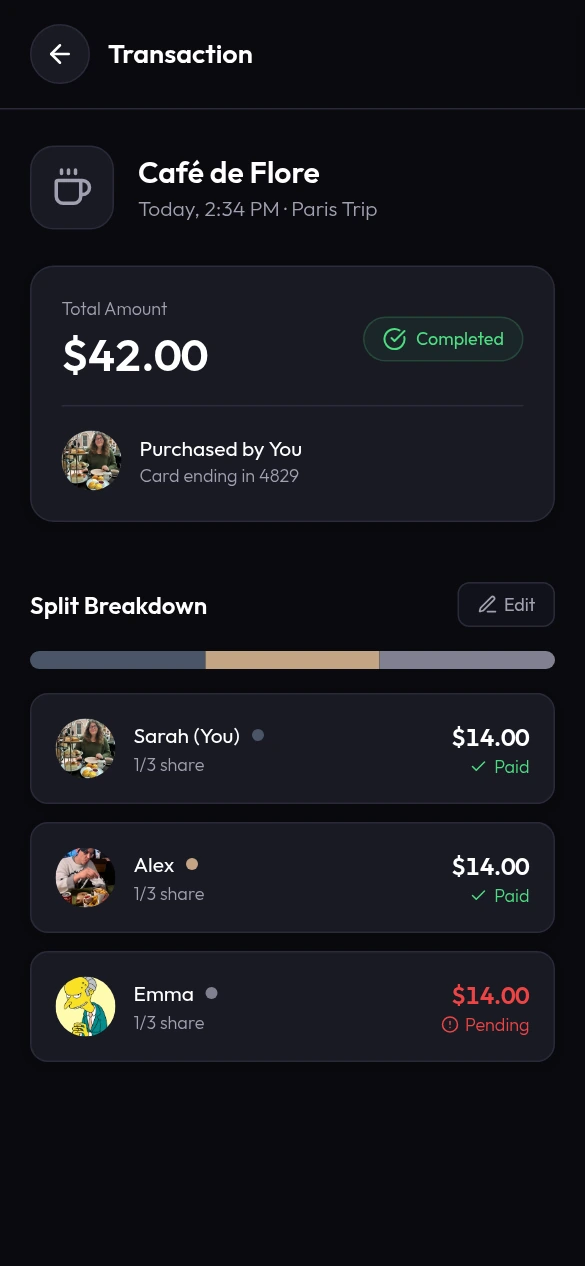
Imported from FigmaBankShare
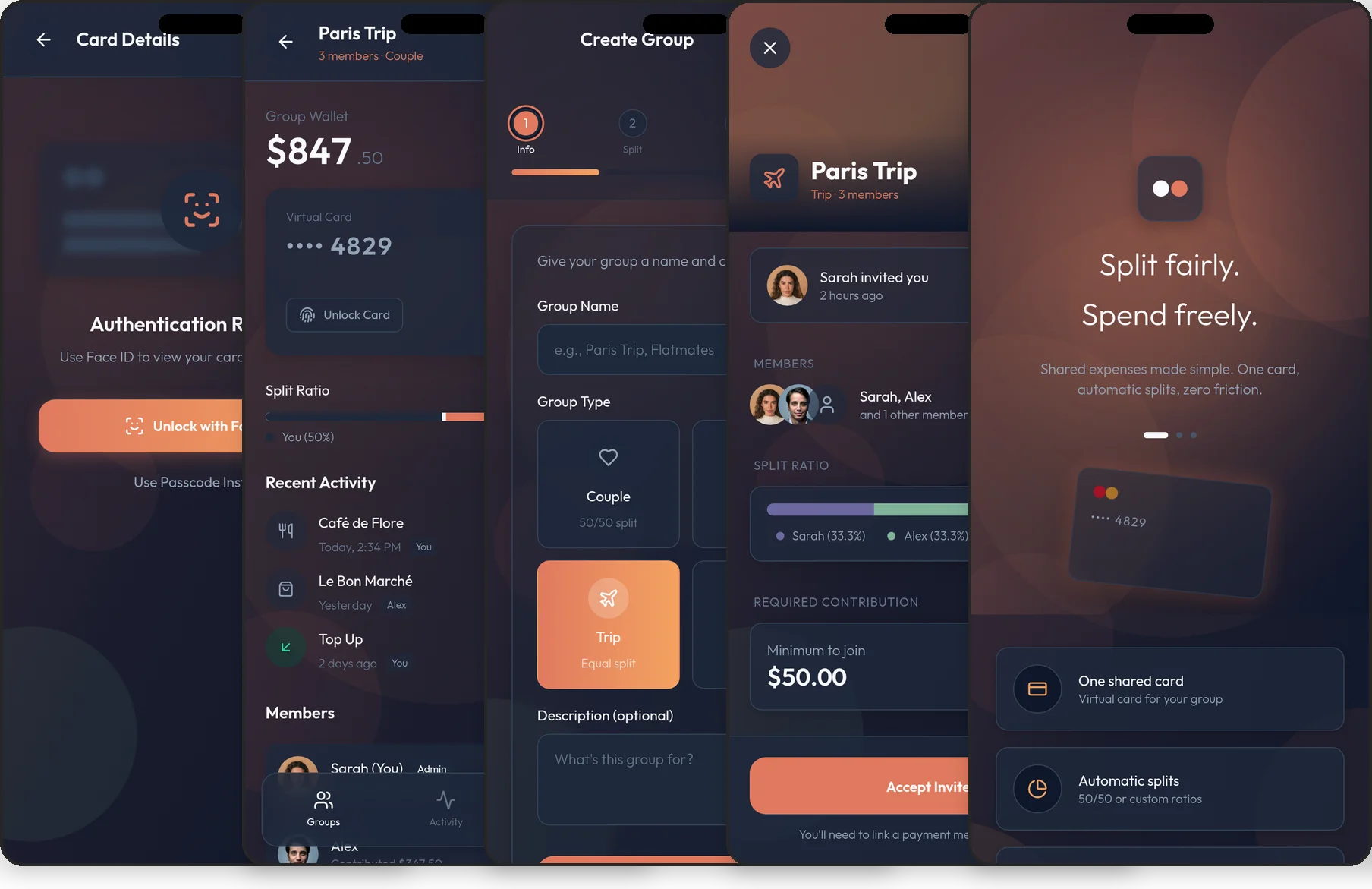
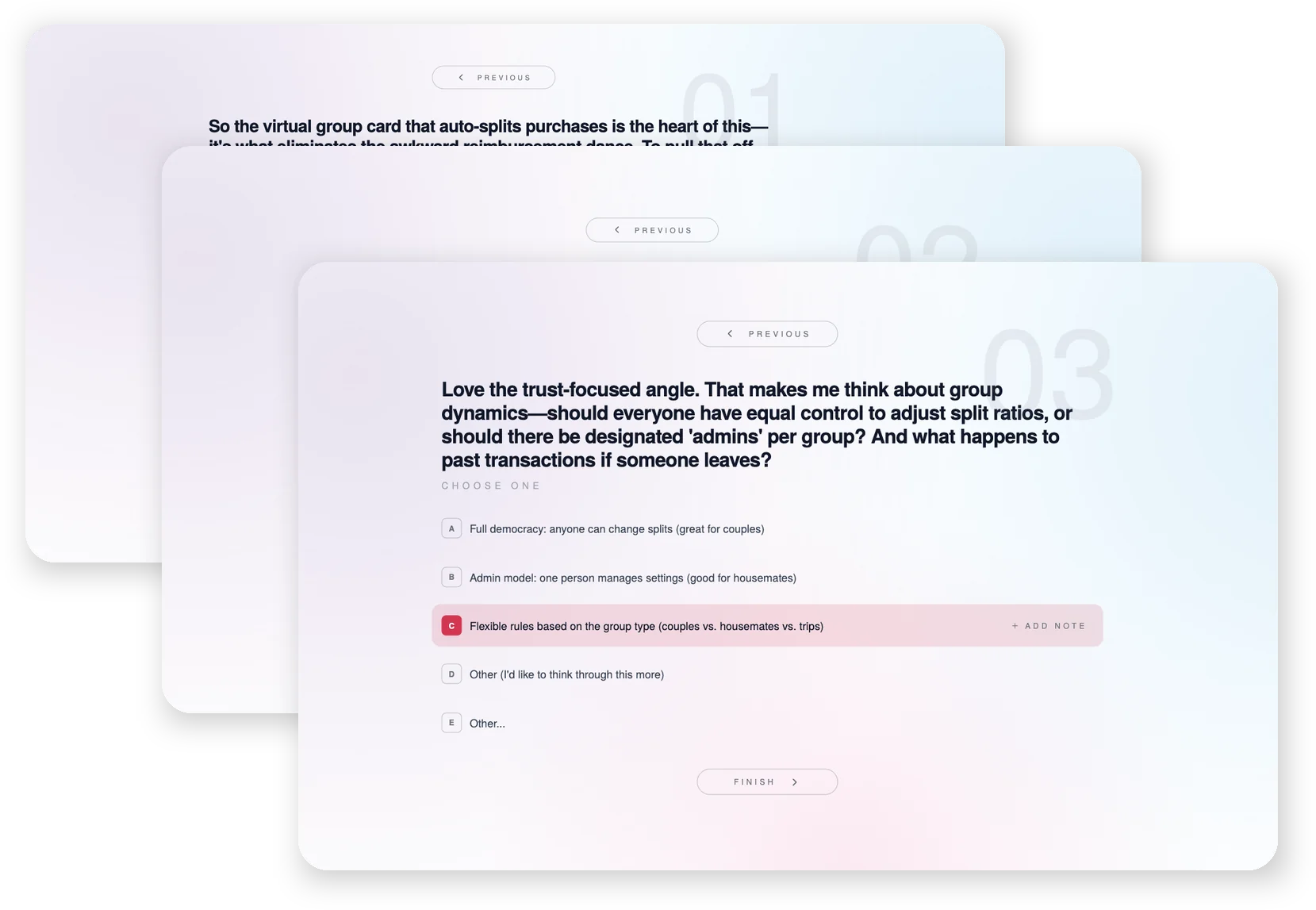
Group cards, split expenses, settle debts
Designed byPostHog
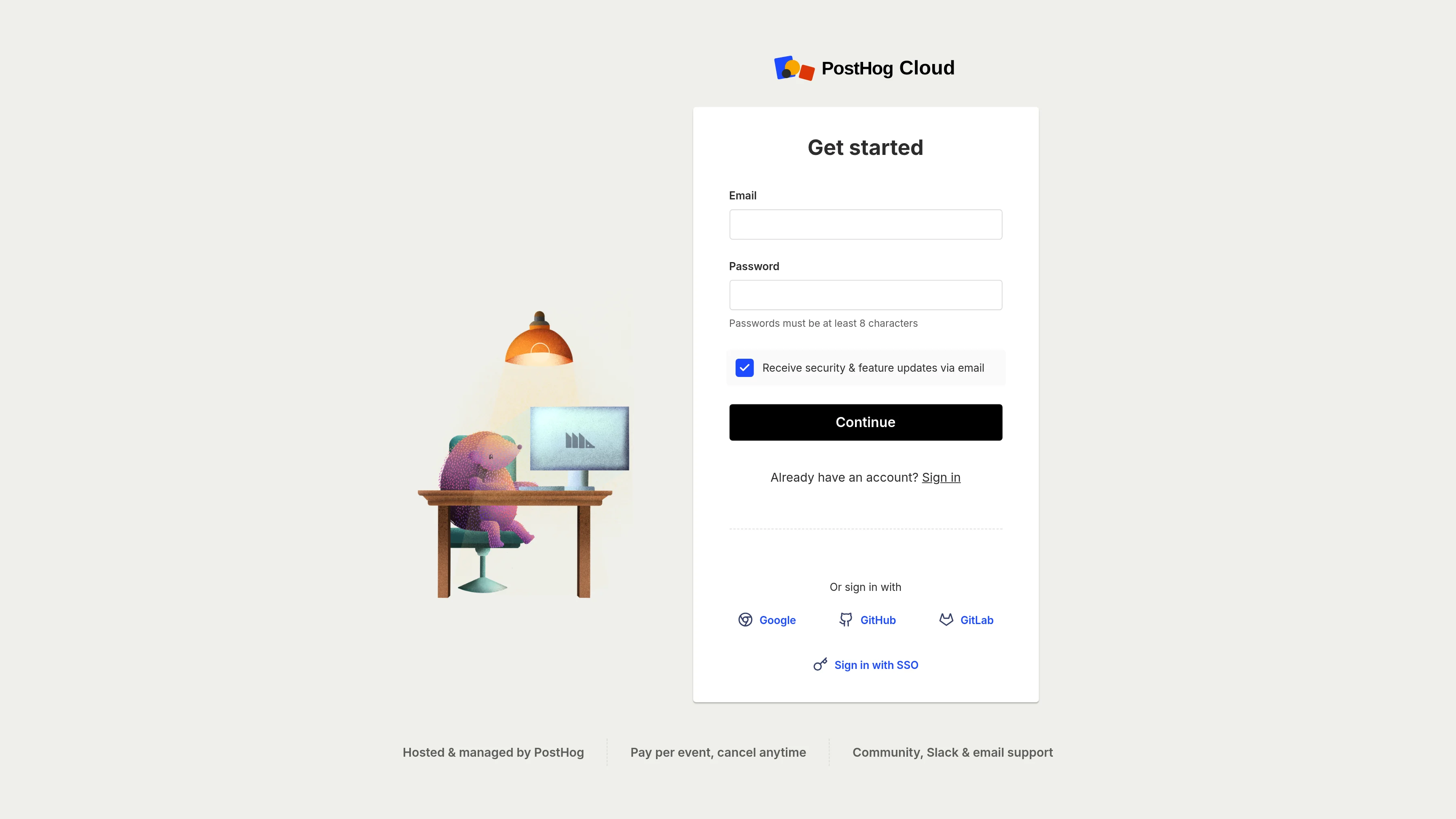
Product analytics, session replay, feature flags
Imported from FigmaWhat people are saying
Mowgli is a perfect tool for visual, AI-assisted development.
It strikes a nice balance between teasing out the details that make your project special, building out a comprehensive design, and allowing edits based on broad strokes or nitty-gritty details. From there, you can easily transport your work to a development environment, making the interoperability and time savings immeasurable.

Aaron Marz
CPO, Opacity Labs
Mowgli lets us ship features and test ideas with our market way faster at Hey Lilie.
Unlike other vibe design or vibe coding tools, the product scoping layer means you actually think through the problem before jumping into screens. The output respects our brand and design system out of the box, which is something I haven't seen anywhere else. It's the missing step between having an idea and building something that makes sense.

Sam Alanbari
CEO & Co-founder, Hey Lilie
I discovered Mowgli by chance through a friend's recommendation, and it has become an essential tool for our development process.
Mowgli allows us to quickly model different UX approaches and leverage its suggestion engine. The resulting mockups streamline the design process for both client projects and internal products. The AI responds effectively to revision requests, enabling detailed work on every screen. We have seen significant improvements in production quality, workload management, and delivery timelines. Our application projects are now much better organized. Package exports for coding AIs allow for rapid implementation. We now consider Mowgli a full-fledged interface designer on our team.

Romuald Gauvin
CEO & Founder, Aezan
Mowgli is one of those rare tools that actually makes you a better founder.
The onboarding brainstorming alone gave me angles on my business I hadn't considered, helping me build a much more complete product from day one. From PRD to design, everything is incredibly intuitive. What blew me away most is the design quality: Mowgli turns your ideas into mockups and prototypes with a UI/UX polish that's better than what you had in your head. No need to hire a designer or pay a fortune. And the best part is it evolves with you as your product grows. The variety of export options meant I could go straight from Mowgli into building my app. Whether you're a solo founder or an established business looking to move fast, reduce costs, and still ship professional quality work, I can't recommend it enough.

Julian Arida
Co-founder, Soa
Key features
Everything you need to go from idea to production-ready design.
AI Design Generation
Generate complete, high-fidelity UI designs for your whole app or feature idea in seconds and iterate on it with a powerful AI assistant. Mowgli explores your product in depth and designs every possible screen, flow, and state.
Moodboard
Generate an immersive moodboard with 16+ distinct visual styles for your product. Explore colour palettes, typography moods, and design vibes before committing to a direction.
Prototyping
Turn your Mowgli designs into an interactive prototype with real navigation, transitions, and flow. Share a working prototype without writing a single line of code.
Figma Import
Bring your existing Figma designs into Mowgli and use chat to edit, iterate, and evolve them. Tweak layouts, update copy, restyle pages, or rethink whole flows - all with AI. When you're done, export to code for building, or back to Figma for tweaks.
Chat with Your Design
Select any element and say what to change. Mowgli edits your design through conversation - targeted tweaks or sweeping changes, all in plain English.
Export to Code
Connect your coding agent over MCP to pull designs into your codebase and keep them in sync both ways, or export pixel-perfect React components, Figma files, or AI-ready packages.
Style Steering
Steer your AI-generated designs with color palettes and style descriptions. Get themed, consistent designs that match your brand without manual styling.
Responsive Adaptation
Switch between mobile and desktop and Mowgli reimagines your design from the ground up for the target platform.
FAQ
From the blog
Guides on AI design tools, specs, and getting from idea to product.
Best AI App Design Tools in 2026, Ranked by Coverage
The best AI app design tools in 2026: Mowgli for whole apps, UX Pilot for one journey, Google Stitch for free screens, and Figma Make for Figma teams.
Best AI Mockup Generators for Mobile Apps in 2026
Mowgli designs every screen and state; Google Stitch is best for free drafts, Figma Make for Figma teams, and Shots.so frames finished screenshots.
How to Generate a Full Multi-Screen App Design From a Description
Describe the users and flows, review a generated spec, choose a style, then generate every screen and state in one pass.
Best MCP Servers for UI Design (2026): Read, Make, Verify
Use Figma MCP to read designs, shadcn MCP for components, Mowgli or Stitch to generate screens, and Playwright MCP to verify the build.
Claude Code UI Design Workflow That Doesn't Look AI-Generated
A six-step Claude Code UI design workflow: inventory states, choose a visual direction, codify rules, build to a target, then verify screenshots.
Why Every AI-Built App Looks the Same: 15 Tells and Fixes
AI-built apps converge on common defaults. Replace the palette, typography, cards, copy and motion, then choose a visual direction before generating.
The new bottleneck? You.
Start building comprehensive products with Mowgli today.